
dsh-skin-pack
メンテナンス: 活発keman-ai/dsh-skin-pack
DeepSeek Harness 用のスキン詰め合わせ。1 リポジトリで各テーマを個別にインストールできます。
$ dsh plugin add dsh-skin-pack5
スター
0
フォーク
TypeScript
言語
MIT
ライセンス
2026-08-26
作成日
2026-08-31
最終プッシュ
README
DSH Skin Pack
A whole shelf of skins for DeepSeek Harness.
One repository, many themes, each installed on its own.
dsh.a2hmarket.ai — see them in action, read the notes, install in one click, no login required


English · 简体中文
If this is useful to you, a Star goes a long way
Install
Start by browsing the DSH skin market — every skin has a full-screen preview and its design notes, and no login is required.
The easiest route is to install the skin market plugin once; after that every skin is searched, installed and switched from inside dsh:
dsh plugin --profile web add -w github:keman-ai/dsh-skin-market
Restart dsh once, open Settings → Skin Market, and search, install and switch without going back to the terminal.
You can also install a single skin directly — find the version in Releases and copy that .tgz URL:
dsh plugin --profile web add -w https://github.com/keman-ai/dsh-skin-pack/releases/download/<tag>/<package>-<version>.tgz
-wis not optional. The profile directory ships apnpm-workspace.yaml, so pnpm reads it as a workspace root and refuses to install withERR_PNPM_ADDING_TO_ROOT. The flag is the "yes, install into the root" declaration.
Why not github:keman-ai/dsh-skin-pack: pnpm has no notion of installing from a subdirectory of a git repository, so a git spec pointing at this repo would pull the whole thing into your profile as a single package. Hence a separate tarball per skin.
The skins
31 skins. This section is generated by scripts/readme.mjs — do not edit by hand.
 AI Work Mode dark A deep-ocean blue gradient, frosted-glass panels and a white primary action; the empty screen is one slogan packages/dsh-ai-work-slogan
|
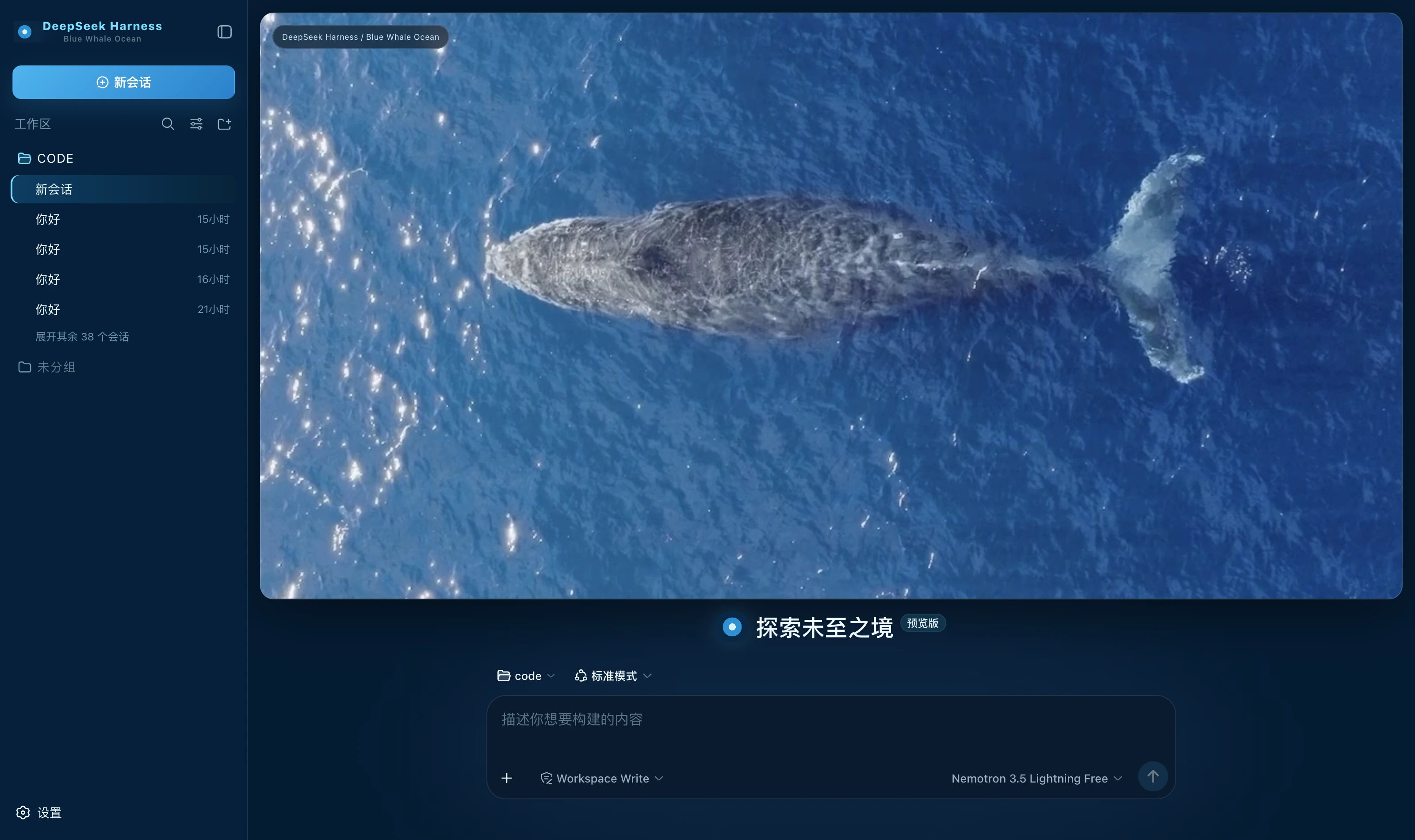 Blue Whale Ocean dark Deep-ocean blue ground, translucent cyan for borders and state, ice white for highlights alone; a whale-at-sea banner on the new-session page packages/dsh-blue-whale-ocean
|
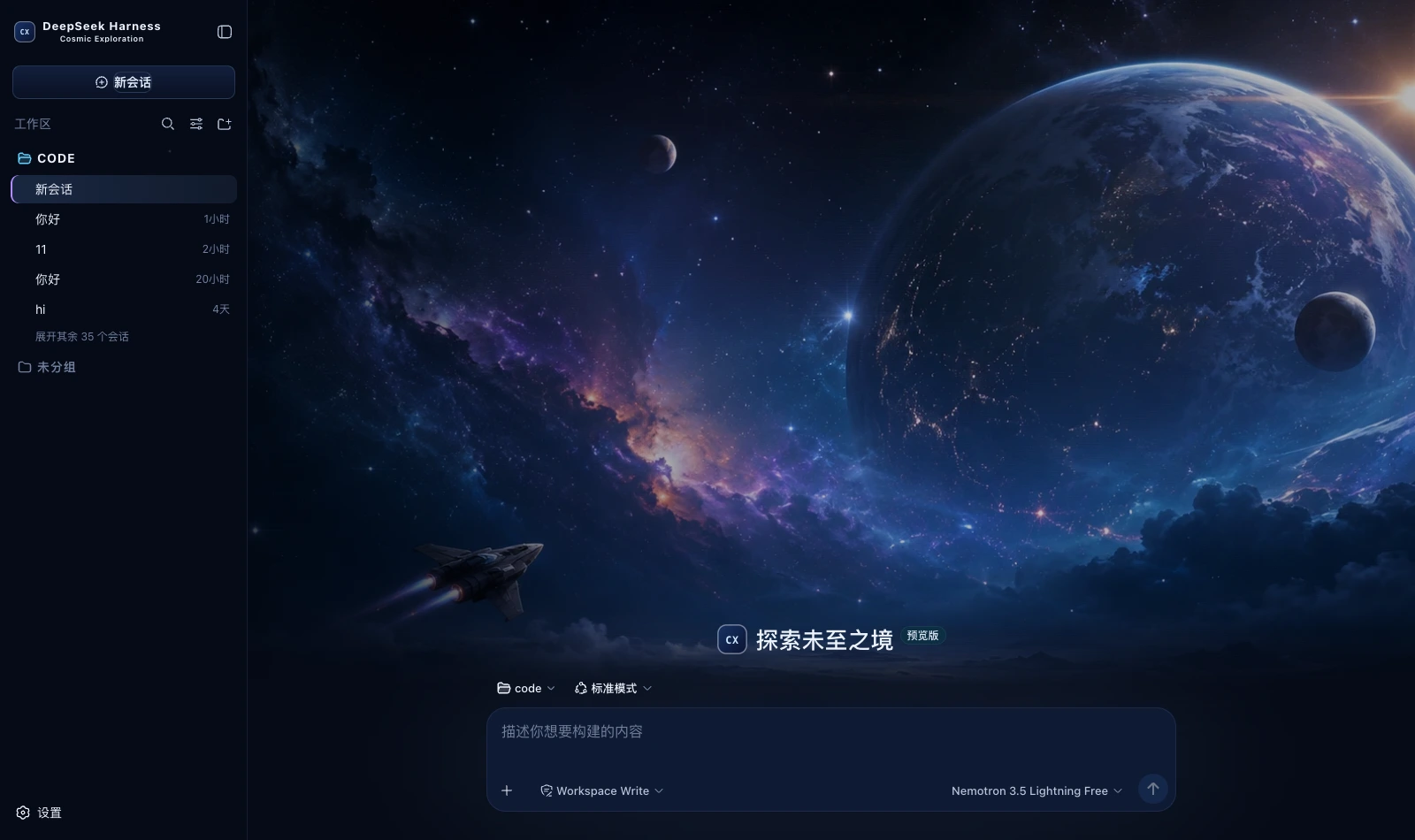 Cosmic Exploration dark A deep blue space ground with cool blue and nebula violet; a full cosmic-exploration cover on the new-session page packages/dsh-cosmic-exploration
|
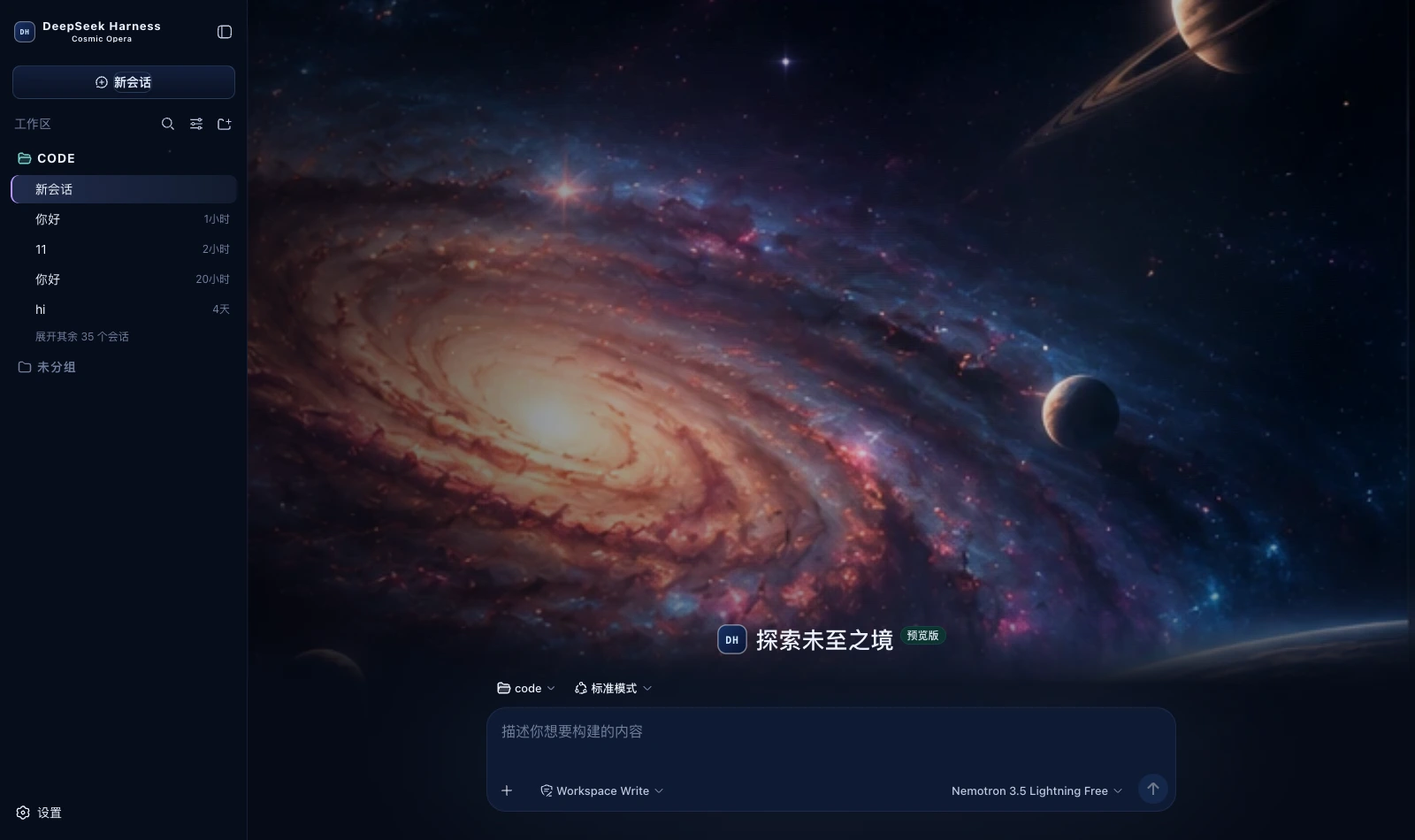 Cosmic Opera dark A deep blue space ground with three accent steps in violet, blue and teal; a spiral-galaxy cover on the new-session page packages/dsh-cosmic-opera
|
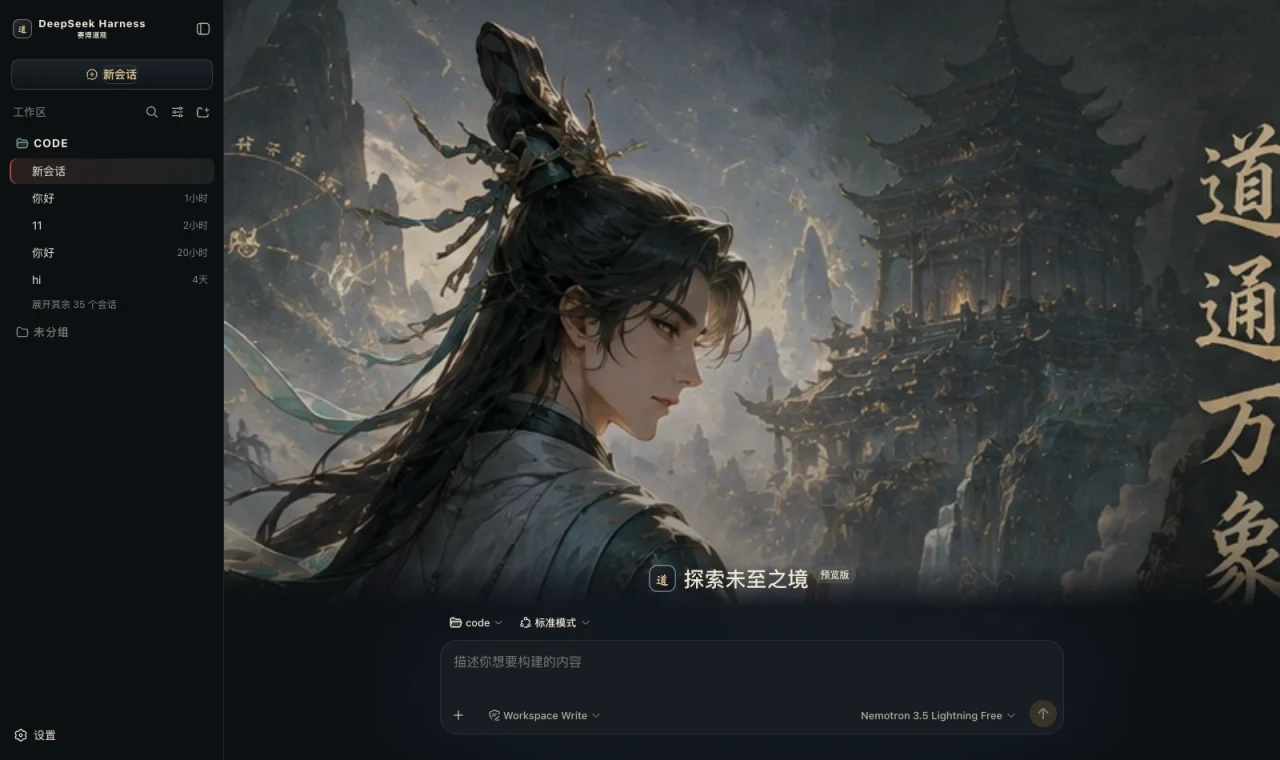 Cyber Tao dark Obsidian ground, bronze borders, rice-paper white text, cinnabar emphasis and jade state; a mountain-gate hero on the new-session page packages/dsh-cyber-tao
|
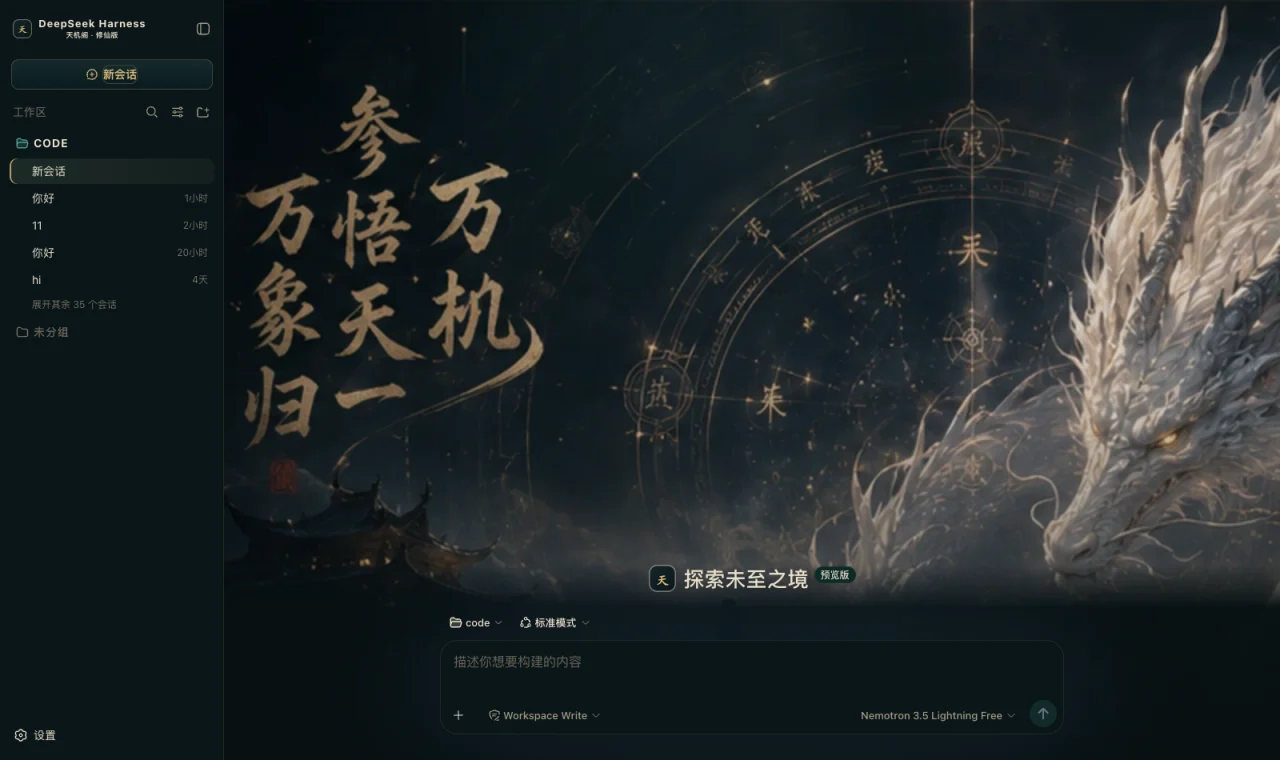 Dark Xianxia dark Ink-teal black ground, antique gold for edges and buttons, jade green only for running, cinnabar only for danger; a divination hero on the new-session page packages/dsh-dark-xianxia
|
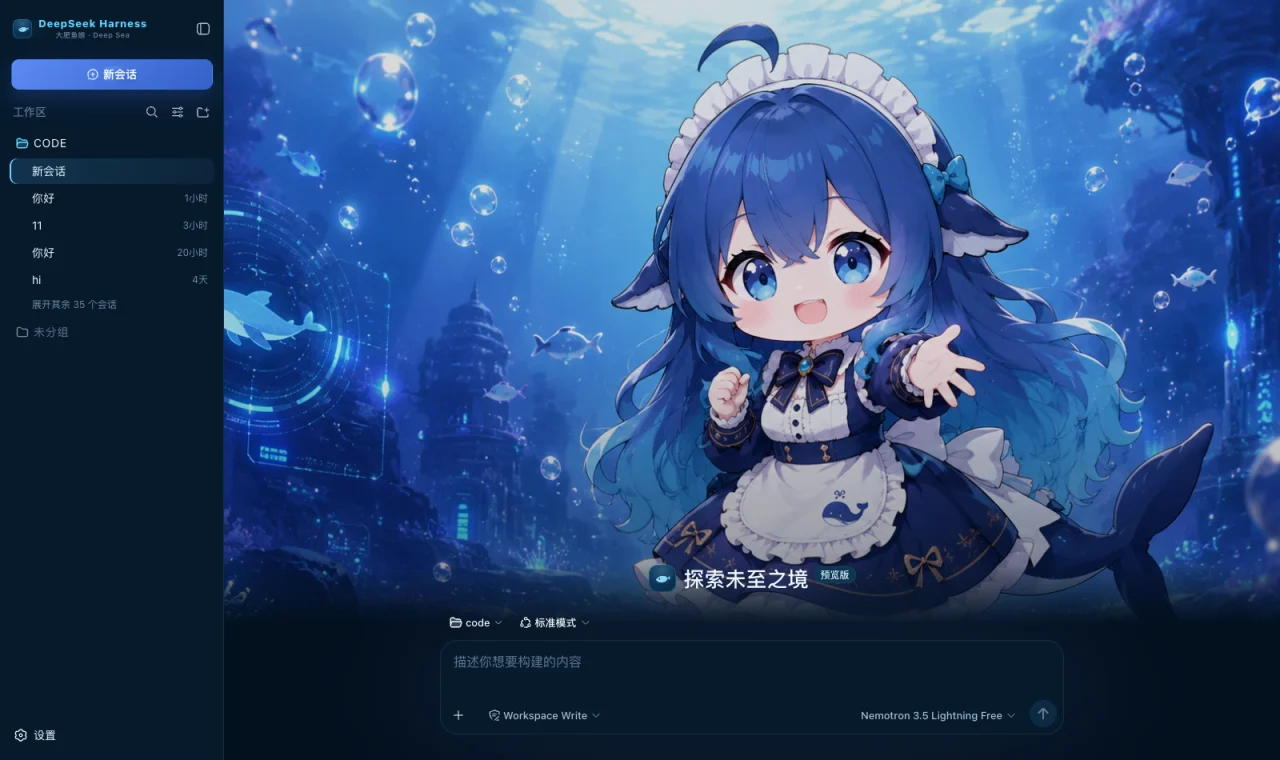 Whale Girl Deep Sea dark Deep-ocean blue ground, cool cyan for borders and state, DeepSeek blue for the primary action; a deep-sea hero on the new-session page packages/dsh-deepseek-deep-sea
|
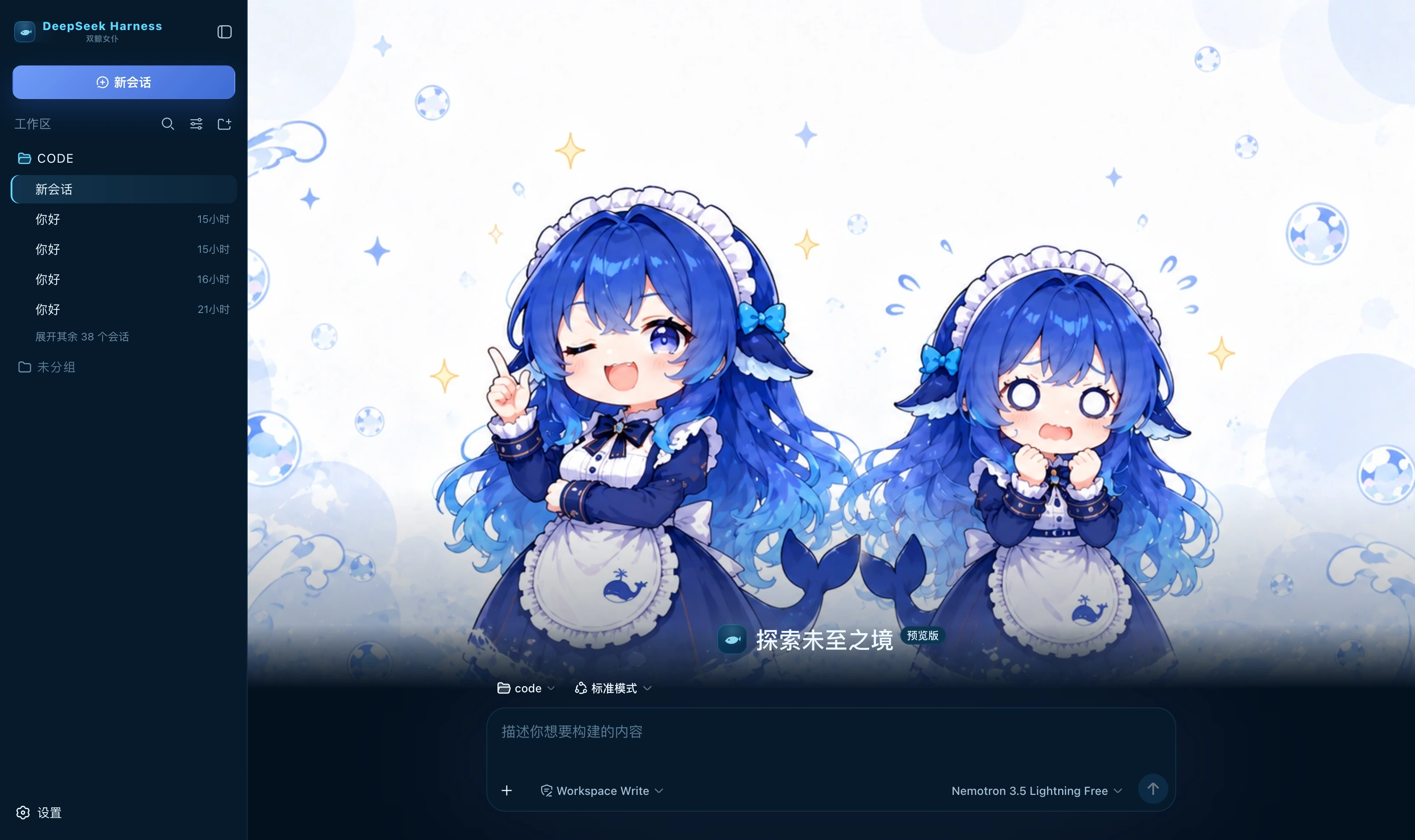 Twin Whale Girl dark Deep-ocean blue ground, cool cyan for borders and state, DeepSeek blue for the primary action; a twin whale-girl hero on the new-session page packages/dsh-deepseek-twin-whale
|
テーマ・スキン の他のプラグイン
dsh-qq2006
by laplaceyoung
DSH Web UI 向け切替可能 QQ2006 スキン:コーラルブルーテーマとレトロ素材
dsh-beauty-skins
by xierw
DSH 向け美女シリーズスキン:壁紙プレビュー選択、配色自動抽出
deepseek-harness-skin
by heigeai
21 組み込みスキン+1 枚画像から配色生成。コントラスト自動導出、ビルド期可読性検証
whaleisle
by chisaalter
公式機能を備えたDeepSeek Harnessのコミュニティ強化デスクトップ版です。テーマ・壁紙、デスクトップペット、使用量表示、スマホからのリモート接続を追加します。