
README
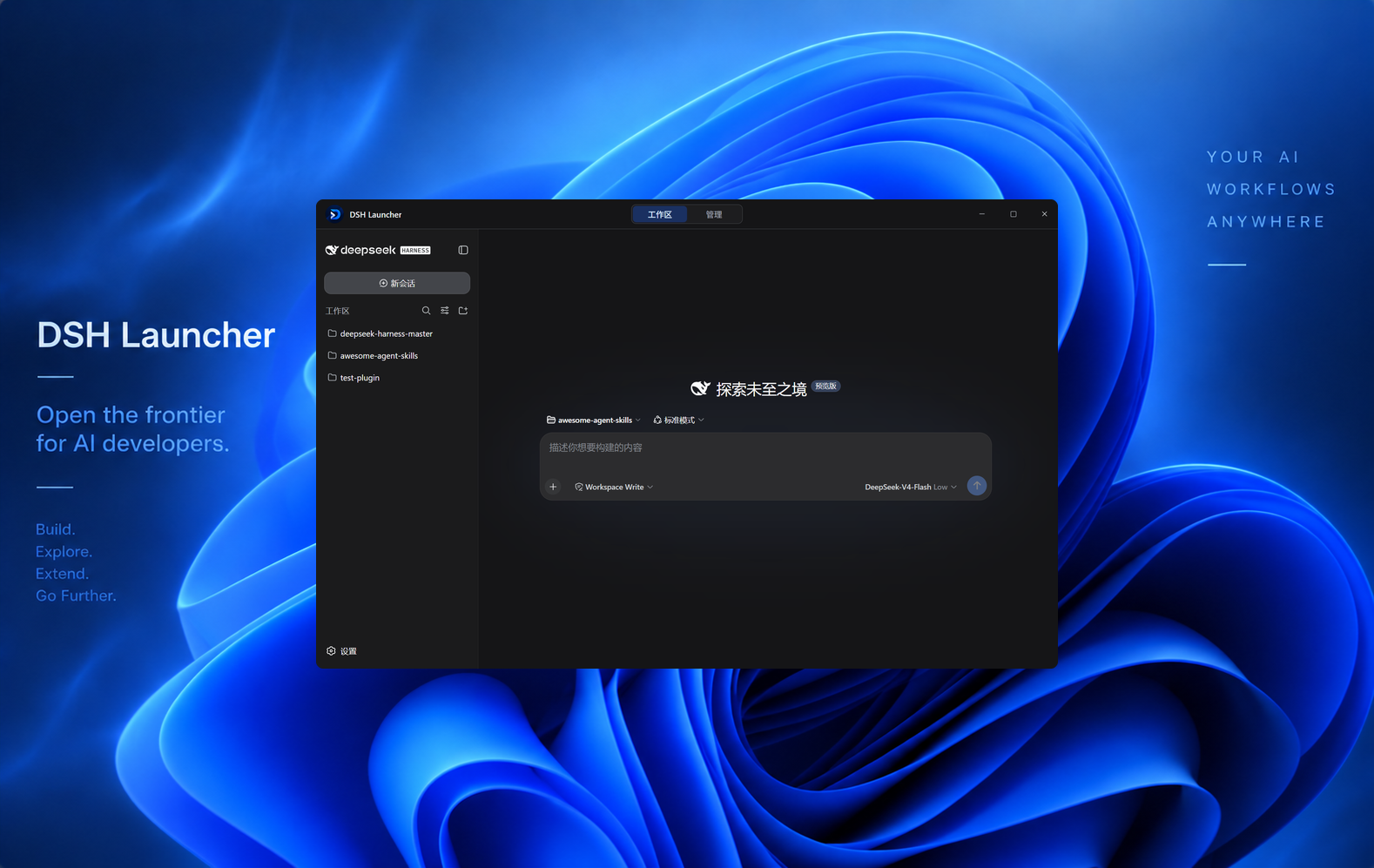
DeepSeek Harness Launcher
The local runtime and ecosystem manager for DeepSeek Harness — one place for runtimes, instances, model providers, plugins, skills, MCP, and launch environments.
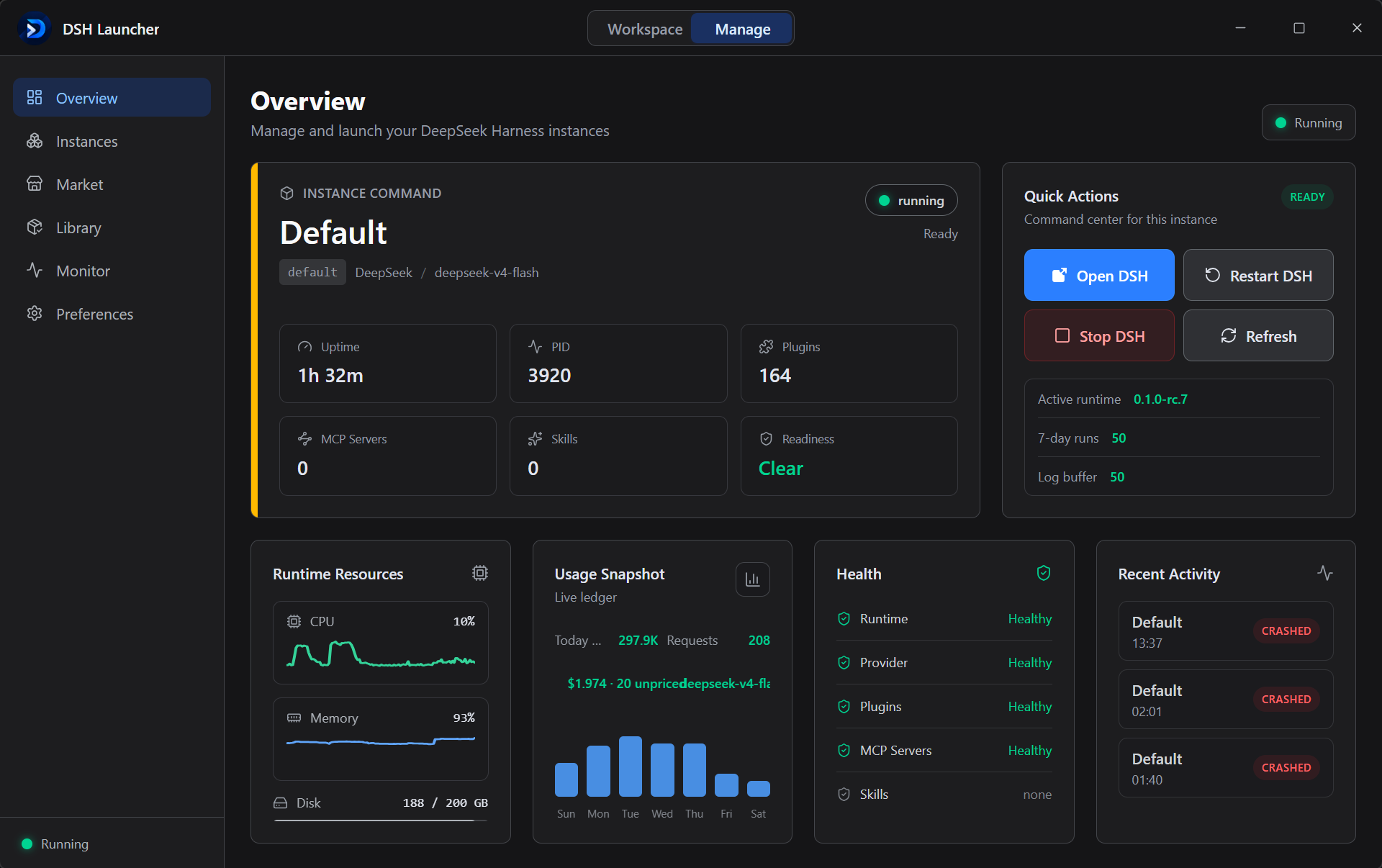
No manual environment setup. Works out of the box. The desktop shell is only one way to drive it; runtimes, instances, and ecosystem content are managed by DSHL.





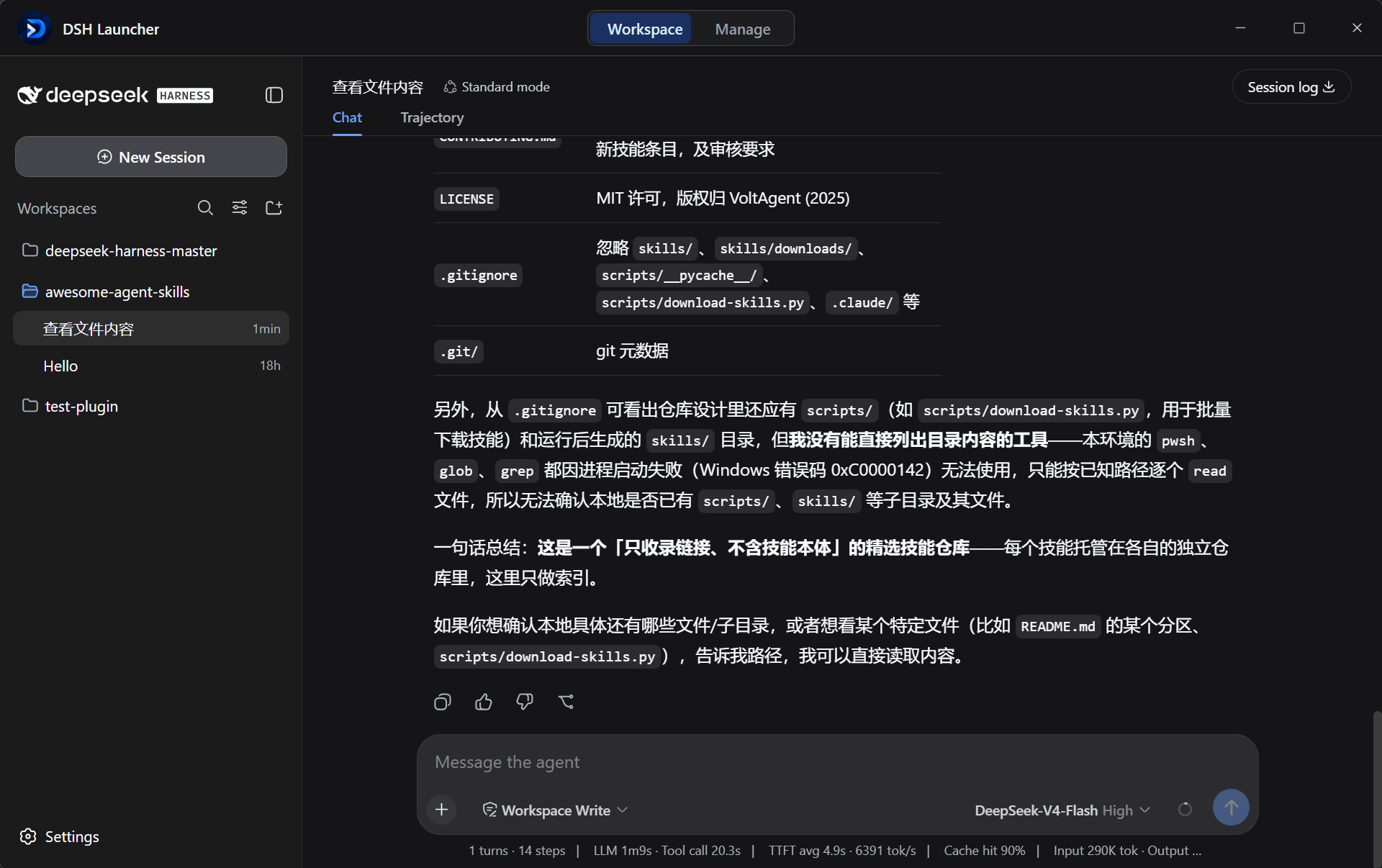
DeepSeek Harness Launcher integrates the DeepSeek Harness local Web UI, host services, and plugin system into a native desktop application. It owns the window, the tray, the runtime, the work configuration, and updates, and composes with upstream capabilities through the plugin mechanism DeepSeek Harness provides. It pins and runs a specific upstream version as-is — no fork, no changes to upstream behavior.
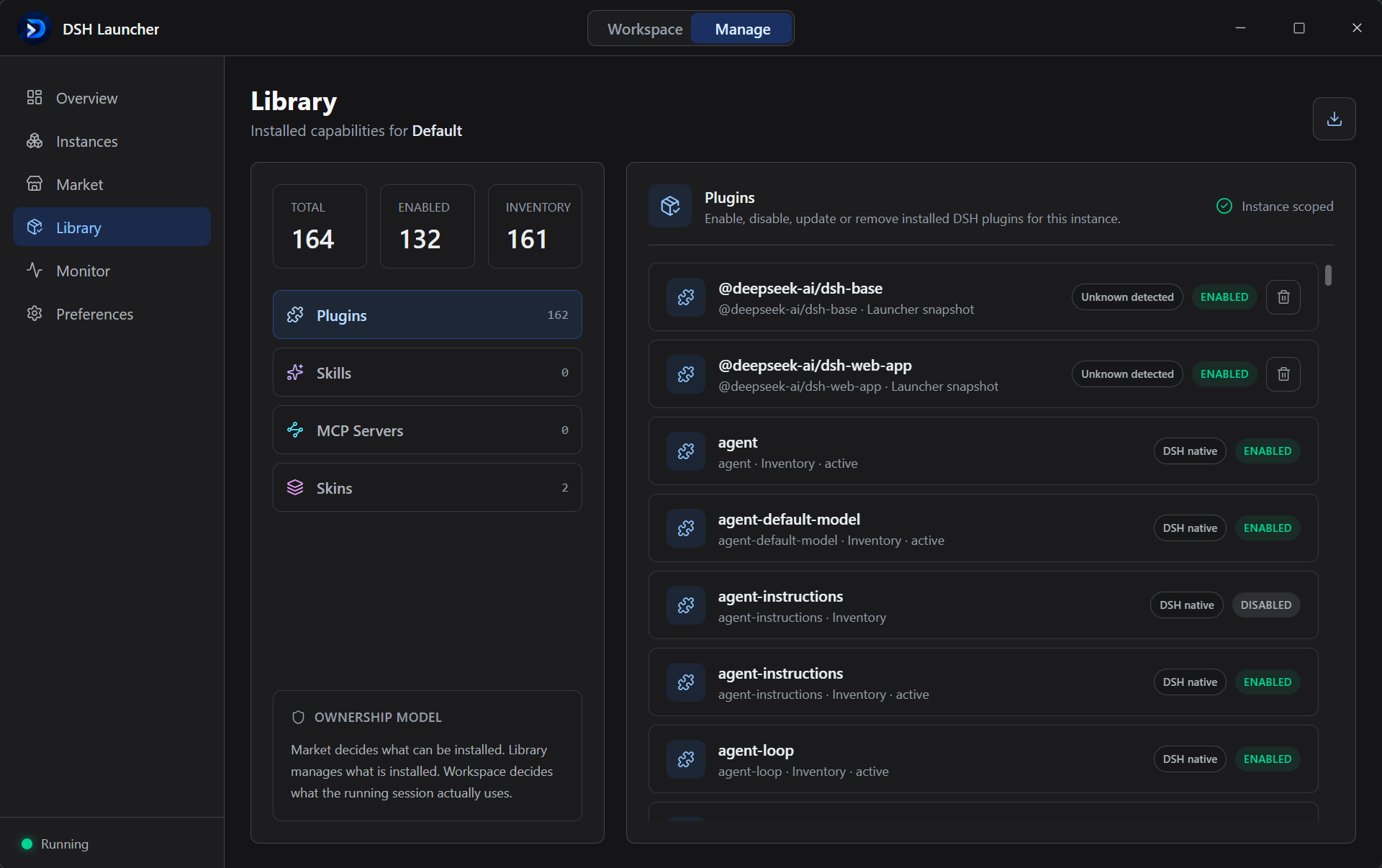
Download and install
Installers are currently available for Windows x64 (Ubuntu support is coming). No extra runtime required — download, install, and use.
| Platform | Download | Install |
|---|---|---|
| Windows x64 | Download the installer | Run the NSIS installer and follow the prompts |
Building from source
Requirements: Node ≥ 22, pnpm ≥ 10, Rust (MSVC toolchain), WebView2 (already present on Windows 11).
pnpm install                 # frontend dependencies
cargo build --workspace      # compile every Rust crate
pnpm build                   # tauri build → NSIS setup.exe
# output: apps/desktop/src-tauri/target/release/bundle/nsis/*-setup.exe
Features
- A runtime that works out of the box — Node 22 ships inside the installer; DSH is resolved through a four-layer chain (settings override → bundled → managed
runtimes/<ver>/→ PATH). No Node, no pnpm, no source checkout. - Managed runtimes — install, switch, delete, and verify multiple DSH versions side by side; each instance is pinned to its own version.
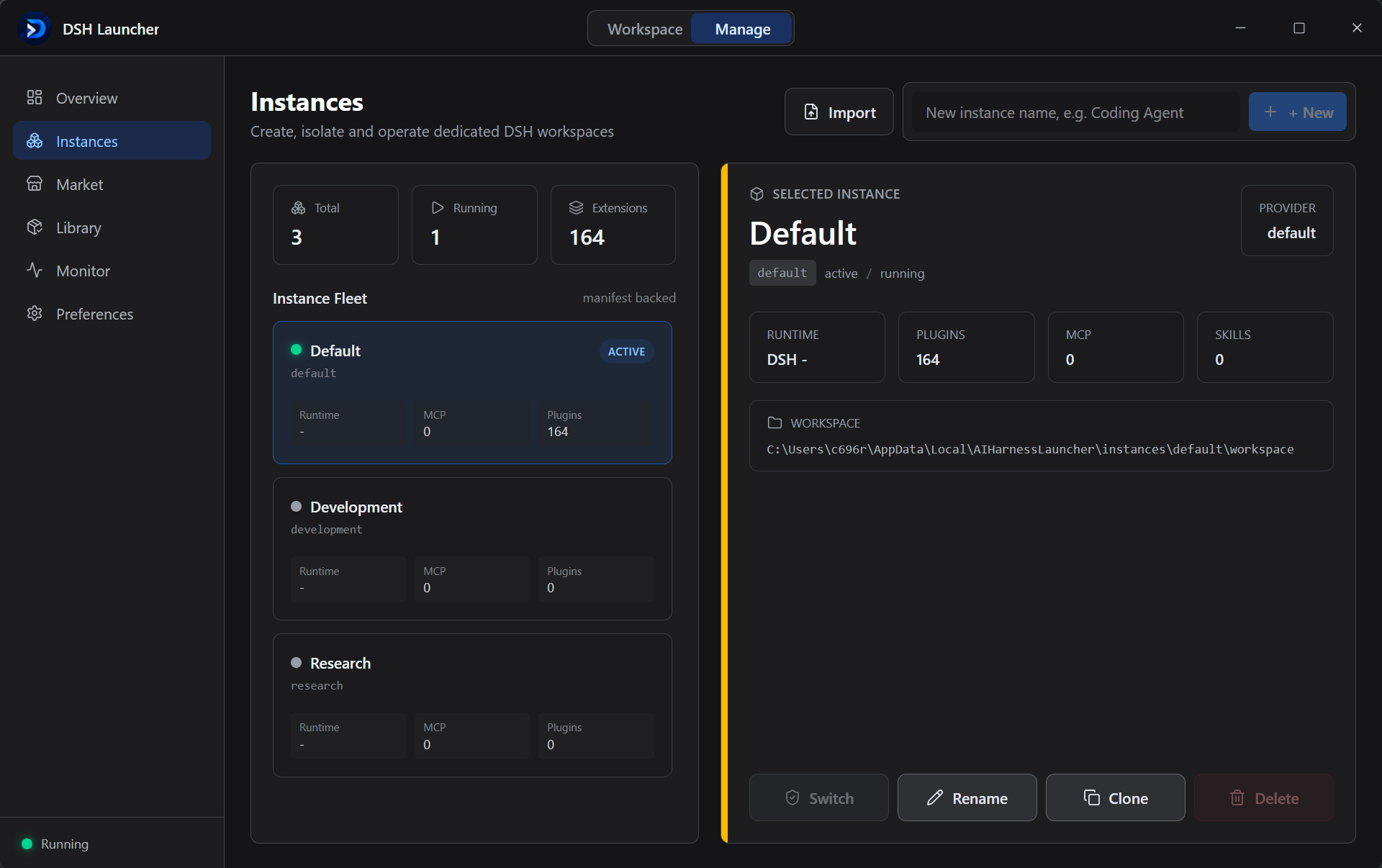
- Multi-instance isolation — every instance gets its own
$DSH_HOME; plugins and configuration never bleed between instances. Create, rename, clone, delete, switch. - Model providers — API keys live in Windows Credential Manager and never touch disk in plaintext; a built-in provider library plus model catalog sync.
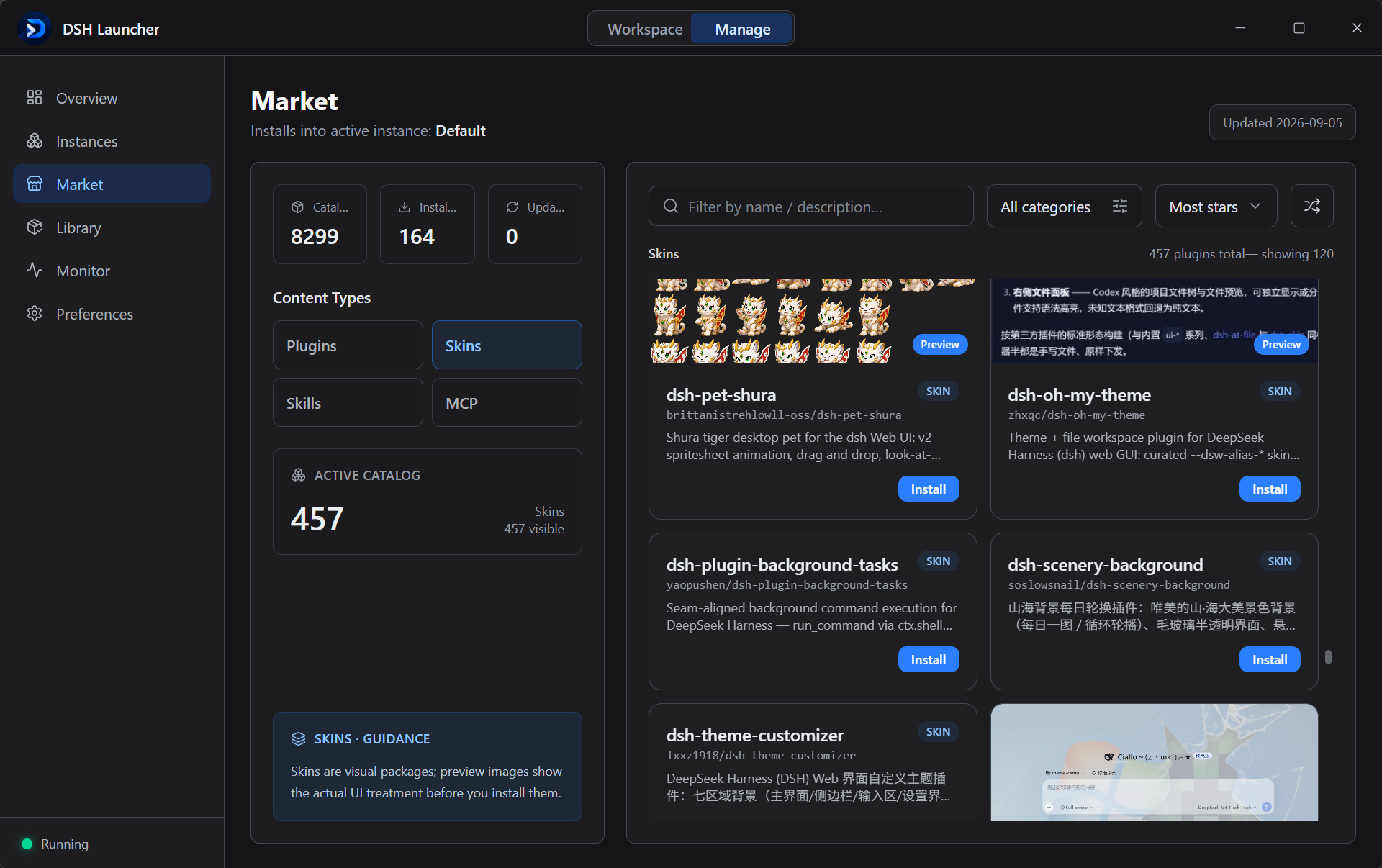
- Plugin marketplace — five catalogs (plugins / skins / skills / MCP / bundles); registry browsing, smart (LLM-reranked) search, and install / uninstall / hot enable-disable through the
cordis.patch.ymllayer, which survives reconciliation bydsh plugin. - MCP ecosystem — probe detection at install time, config gaps made explicit (two signals: a self-reported degraded state and a 0-tool count), a config dialog to fill them in, and values stored in the OS credential store and injected into the launch environment.
- Embedded DSH window — DSH renders inside the launcher's own window rather than a browser tab; closing the window stops the harness.
- Two-way theme sync — light / dark / follow system, one switch: change it on either side, the launcher or DSH, and both follow.
- Hardened process tree — Windows Job Objects (
KILL_ON_JOB_CLOSE) + recursivetaskkill /T /Fas a fallback + a pre-launch zombie sweep. Ten consecutive start/stop cycles leave zero residue. - Launch history — sessions recorded in SQLite with start and end timestamps and crash / exit status.
Quick start
- Install and launch AI Harness Launcher.
- Preferences → Providers — paste your DeepSeek API key (stored in Windows Credential Manager).
- Home — pick an instance and click Launch.
DSH starts in its own window; the Activity panel streams stdout/stderr live. Click the same button — or close the window — to stop it.
Repository layout
更多「其他」外掛
deepwiki-rs
作者 sopaco
基于代码生成结构化技术文档与适合 AI 智能体使用的上下文,方便团队理解和协作。
dsh-plugin-radar
作者 adamplatin123
DSH Plugin Radar — open-source ecosystem radar for DeepSeek Harness plugins: continuous discovery (21k+ candidates), k8s runtime validation (13k+ tests), 15-min snapshots; the catalog is a generated artifact — 开源 DSH 插件生态雷达:持续发现 2.1 万+ 候选、k8s 运行级实测 1.3 万+、15 分钟快照;插件目录为自动生成的产物
picgo-core
作者 picgo
强大的图片上传引擎,同时支持 CLI 与 API。
helloagents
作者 hellowind777
一个自主的高级智能伙伴,不仅分析问题,更持续工作直到完成实现和验证。