
Mini Games in DeepSeek Harness: Play While the Agent Works
Everything is a plugin — even games. Install the mini-games panel from the marketplace, play 18 offline classics while the model thinks, and add a balance monitor so you always know what the session costs.
Last updated: 2026-09-20
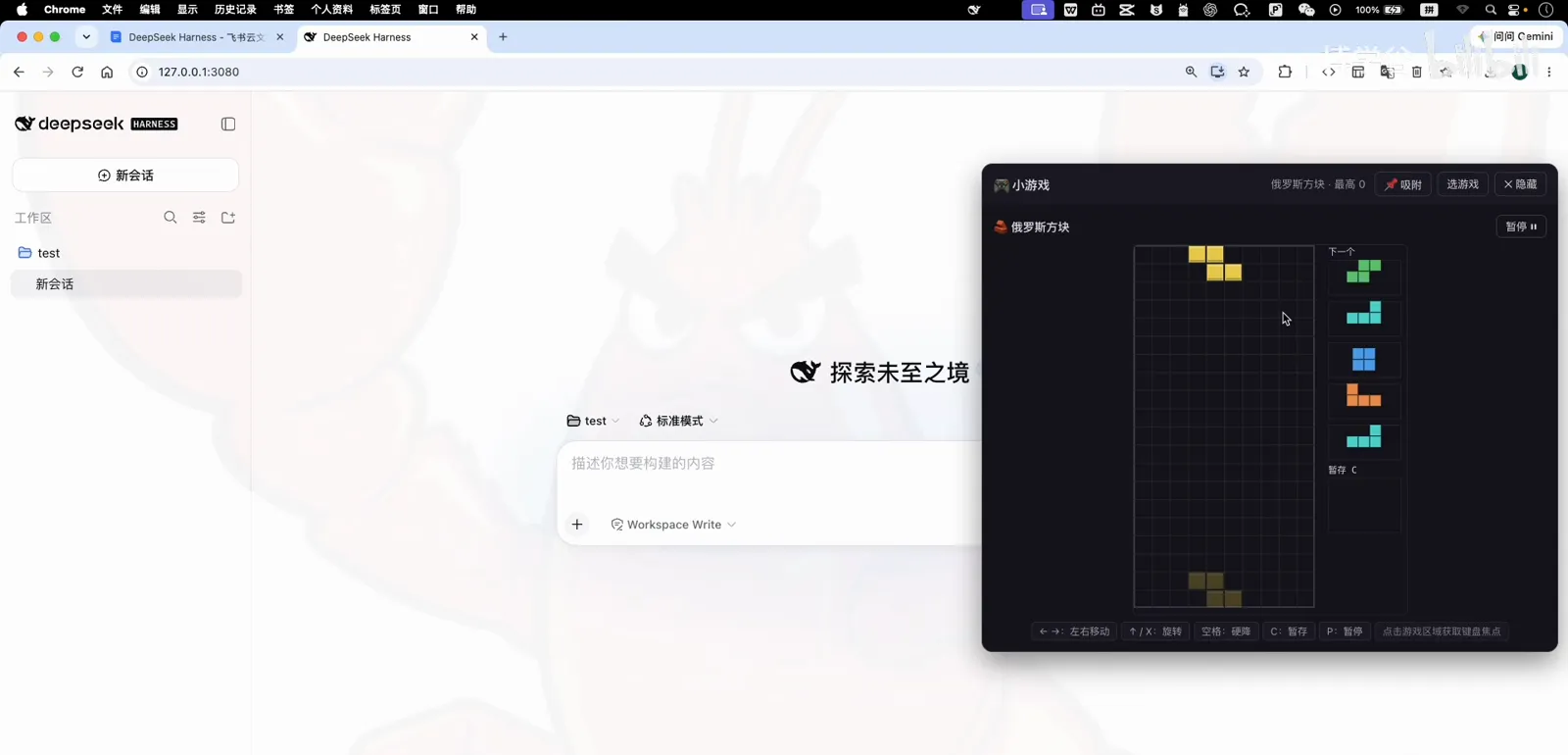
DeepSeek Harness's plugin idea has no bottom: if you can do it in a browser panel, it can be a plugin — including games. This short illustrated guide follows a recorded walkthrough: install the mini-games panel from the marketplace, play a round of Tetris while the model answers, then install a second plugin that shows your DeepSeek platform balance and today's spend right in the sidebar.
Neither plugin needs a restart or a config file: install, refresh the page, done. It's the fastest way to feel how the plugin model works — and the games are genuinely decent.
TL;DR
- ▸Search 游戏 in the plugin marketplace, install dsh-minigames, refresh — 18 offline games appear behind a corner button.
- ▸Klotski, Snake, Tetris, Minesweeper, the dinosaur runner and more: all offline, zero model calls, made for waiting on long tasks.
- ▸From the 用量与计费 category, add a balance plugin and your platform balance plus today's cost live in the sidebar.
From marketplace to first move
- 1
Browse the marketplace by category
Open Settings → Plugin marketplace → Discover. Beyond the search box there's a row of categories — UI, usage & billing, themes, sessions — that doubles as a map of the ecosystem. For games, either browse to 娱乐 or just search.
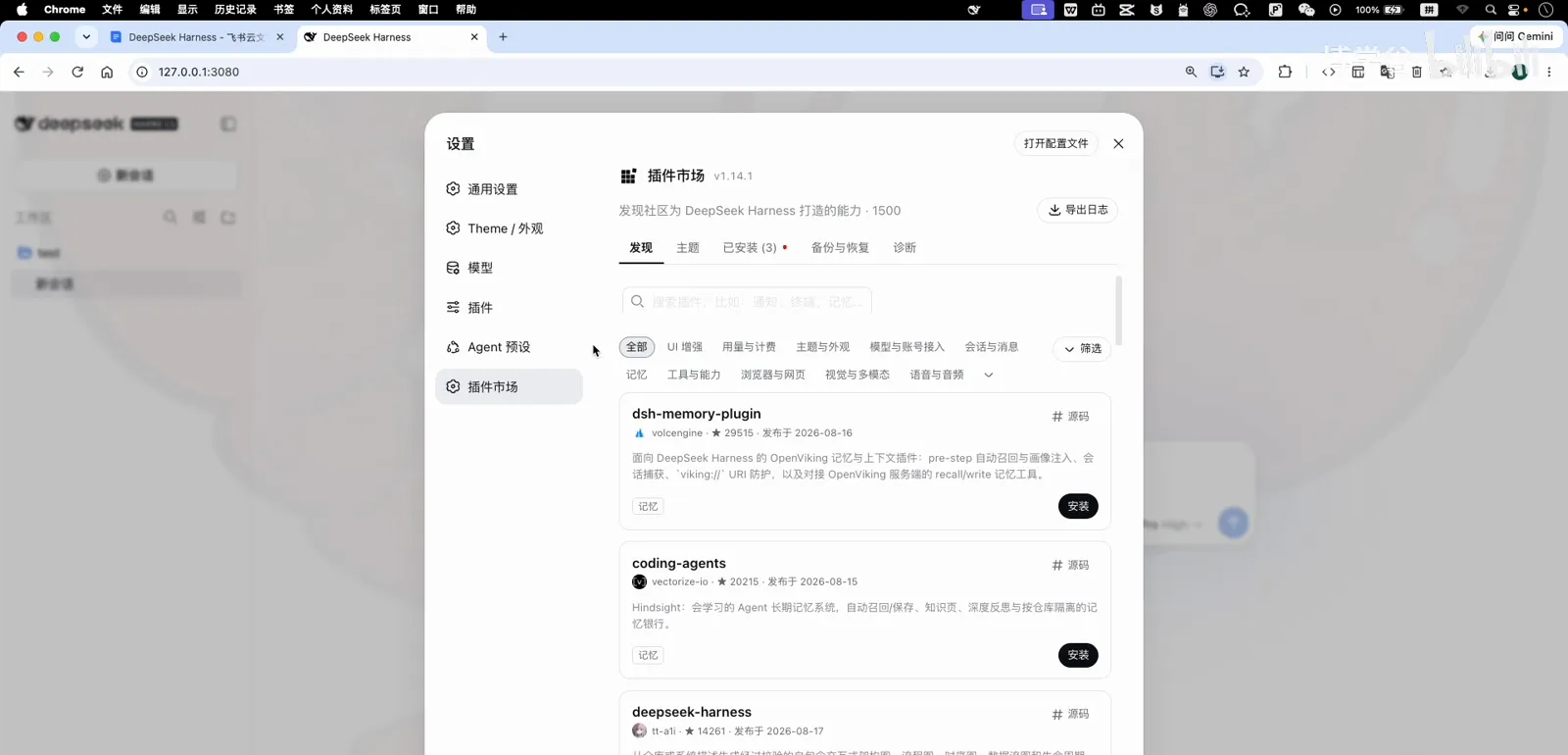
The marketplace's category row doubles as an ecosystem map.Watch at 0:20 - 2
Search 游戏 and pick the mini-games panel
Searching for 游戏 surfaces dsh-minigames: a side-panel with 18 offline canvas games — Klotski, Snake, Tetris, Minesweeper, 2048, Sudoku, Pac-Man, the dinosaur runner and more, with an extensible game registry. Hit install.
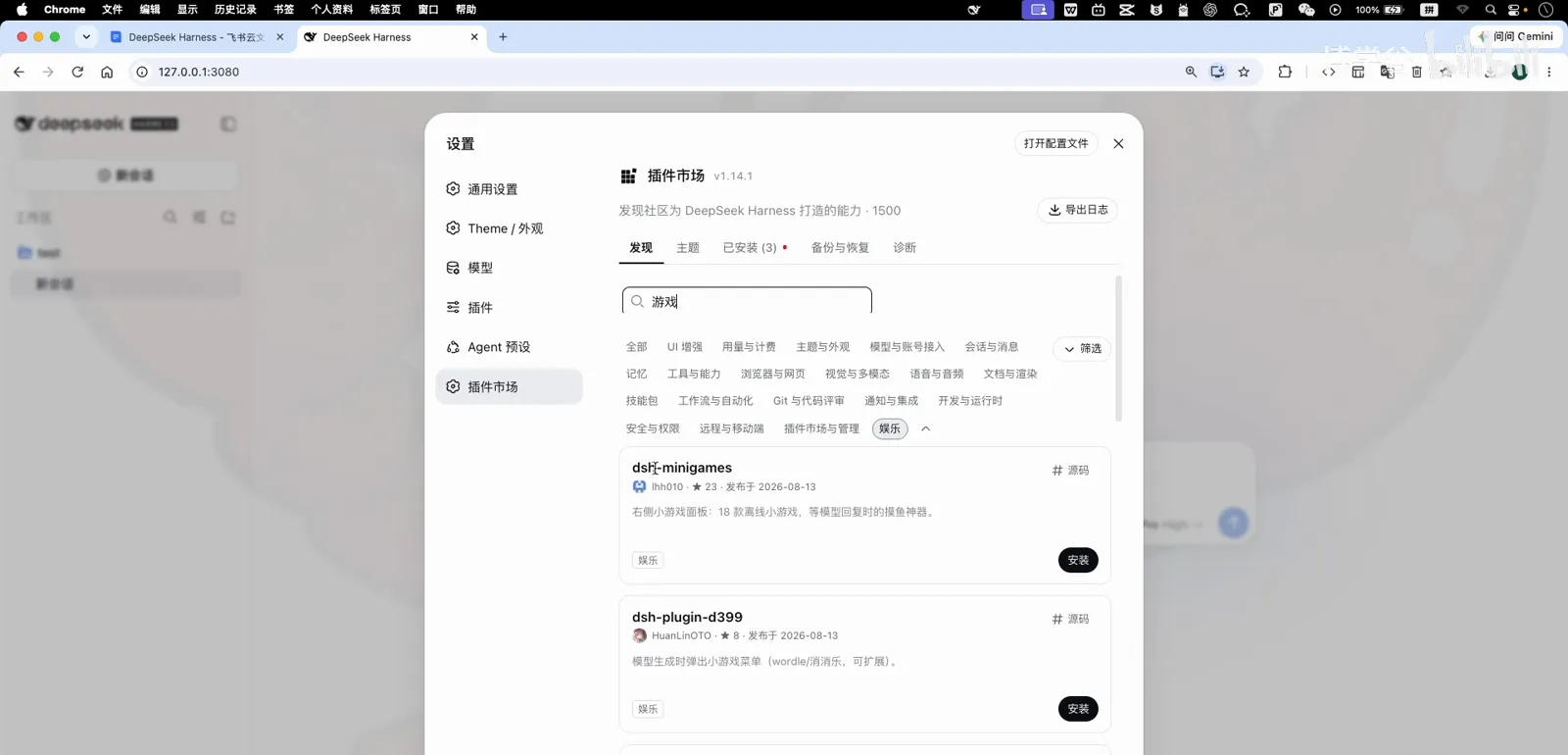
dsh-minigames: 18 offline games in one panel.Watch at 0:36 - 3
Installed: refresh, don't restart
Web-surface plugins don't need a dsh restart — a page refresh loads the new panel. This is the normal loop for UI plugins: install, refresh, use.
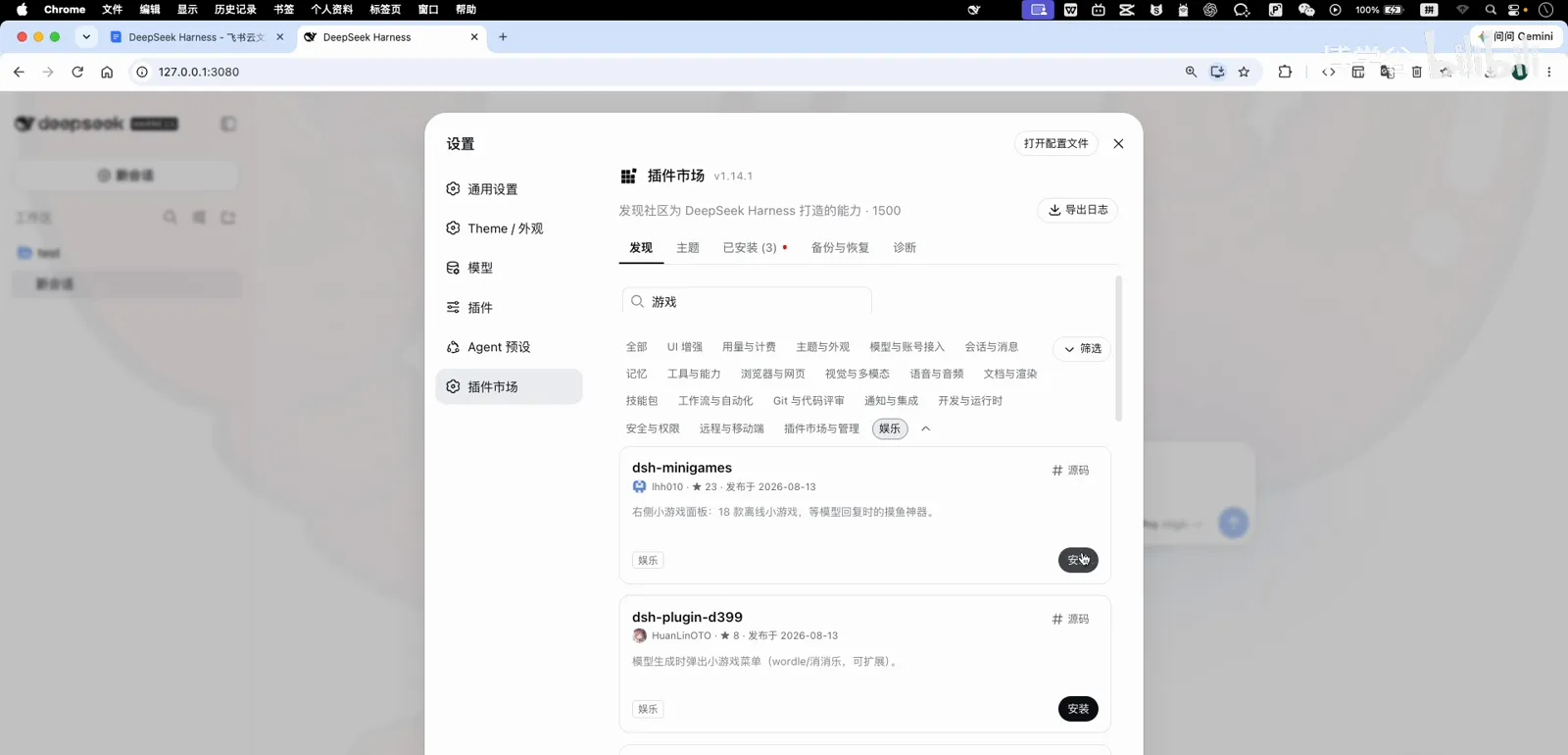
Installed — a refresh is all it takes.Watch at 0:44 - 4
Find the corner entry
After the refresh a small button appears in the bottom-right corner of the web UI. That's the game panel's entry point — one click opens it over whatever session you're in.
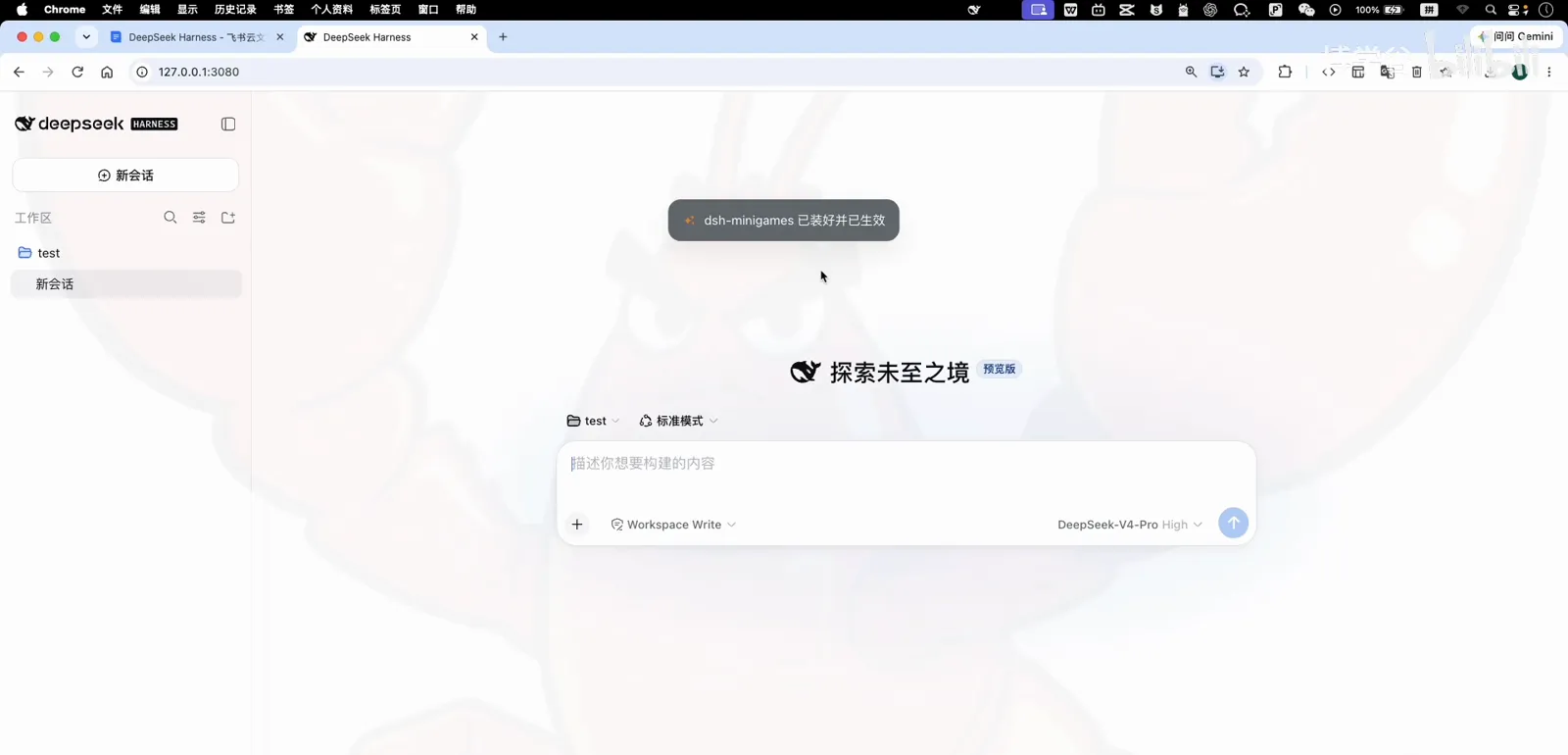
A new corner button appears — that's the game panel.Watch at 1:00 - 5
Klotski, the classic opener
The panel opens on a game picker. Klotski (华容道) is the classic Chinese sliding-block puzzle — the course author's first pick, and a good fit for the two minutes a model reply can take.
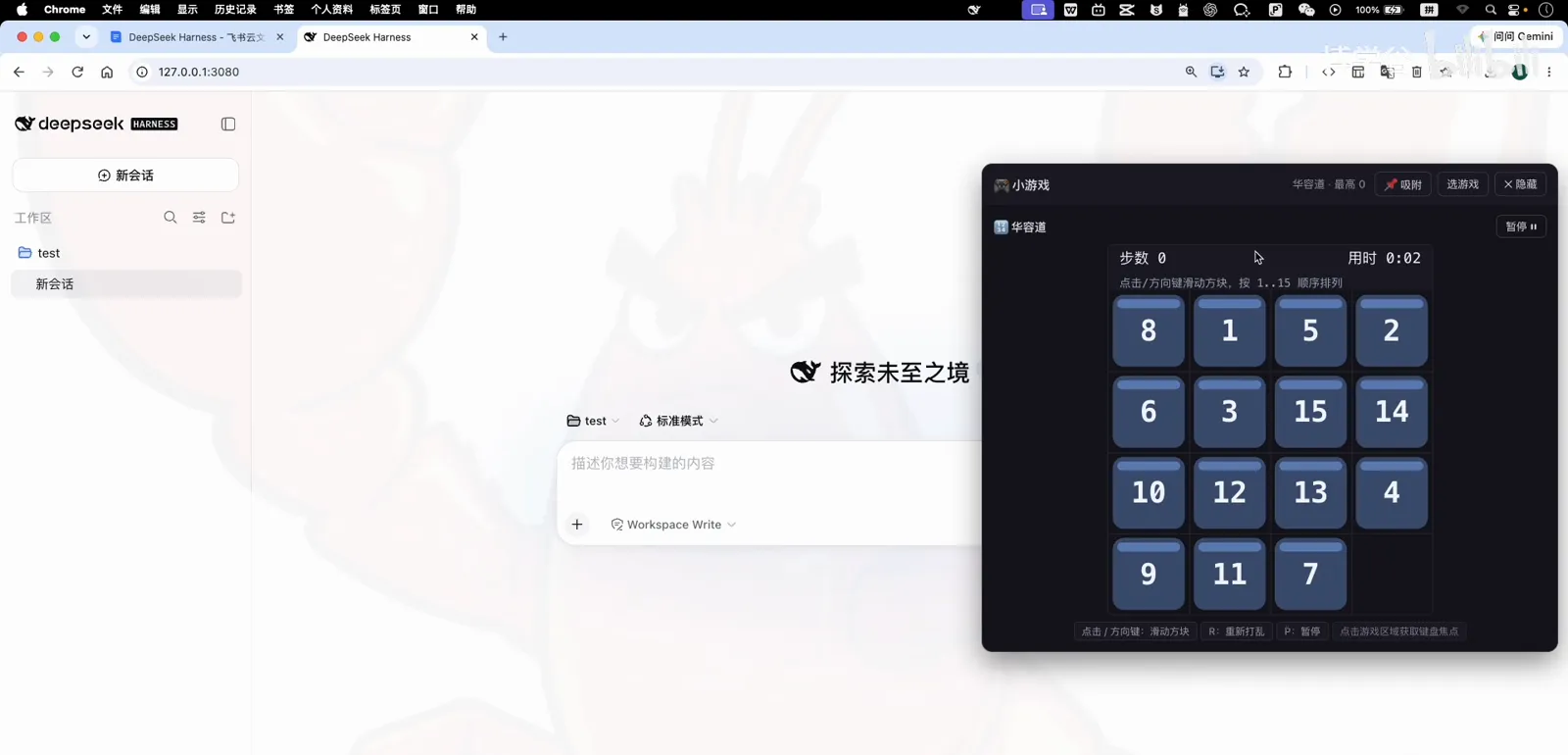
Klotski: the classic waiting-room puzzle.Watch at 1:08 - 6
Snake, for the one-more-round crowd
The picker also has Snake with the familiar grid-and-grow loop. Every game runs locally in the panel — no tokens are spent, and the agent keeps working underneath.
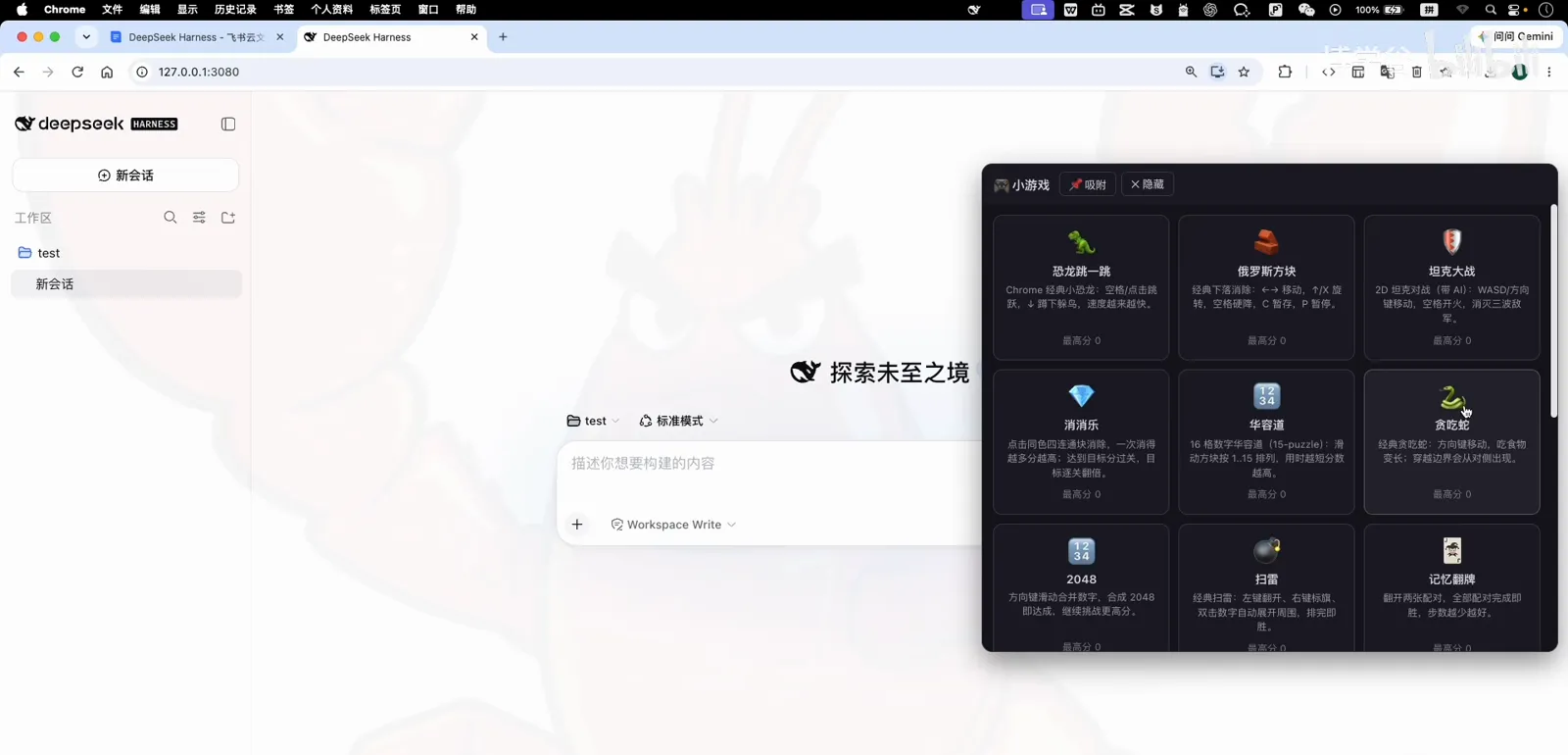
Snake — one more round while the model thinks.Watch at 1:16 - 7
Tetris and Minesweeper close the loop
Tetris plays with arrow keys and a rotate key; Minesweeper is the full classic with flags. Between them, the 18-game registry covers every waiting-room mood — and yes, the course author loses a round of Minesweeper on camera.
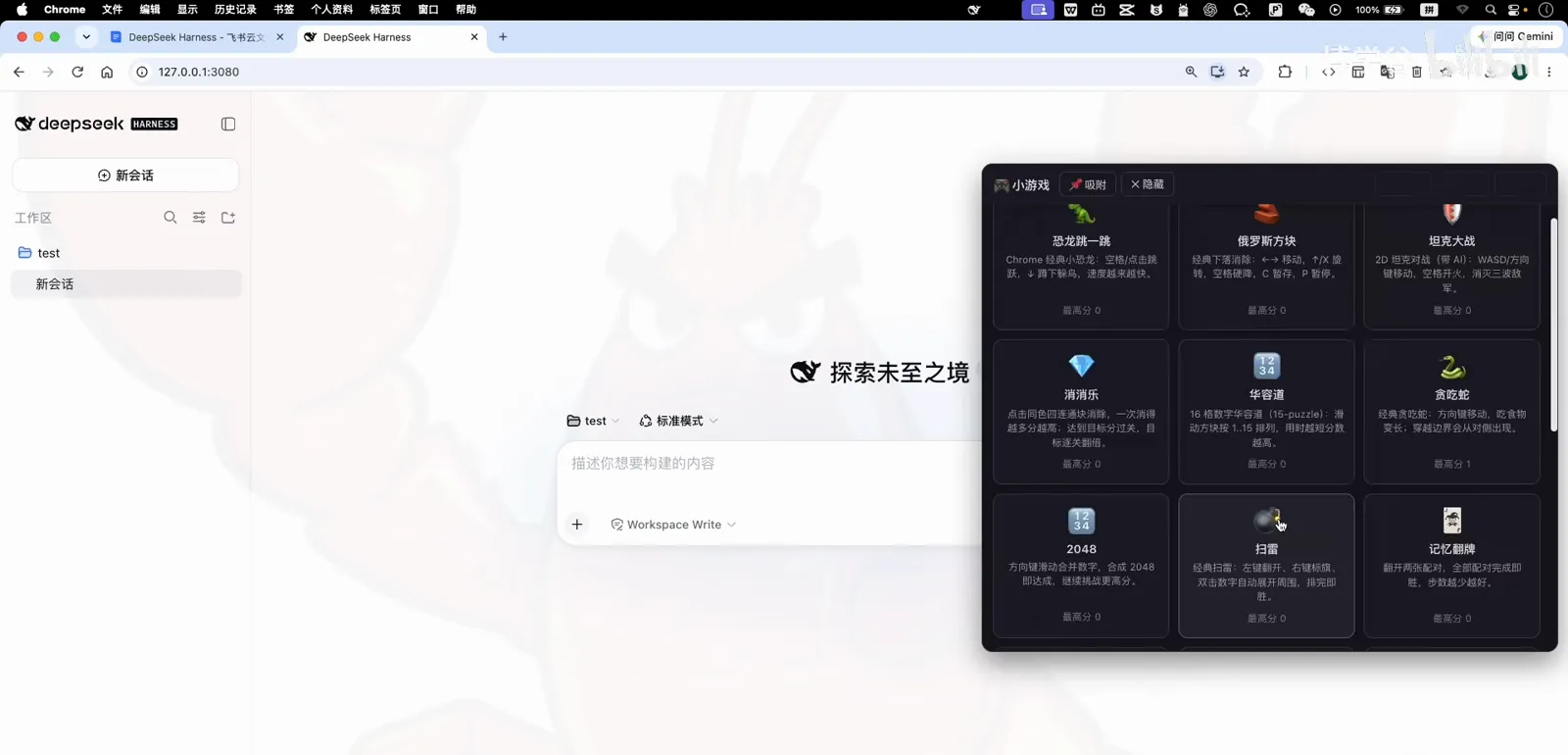
Minesweeper, flags and all — offline.Watch at 1:40 - 8
One more plugin: watch your balance
The same episode installs a second plugin from the 用量与计费 (usage & billing) category: search 余额, install, refresh, and the sidebar now shows your DeepSeek platform balance and today's spend — the number that quietly ends sessions when it hits zero, now always visible.
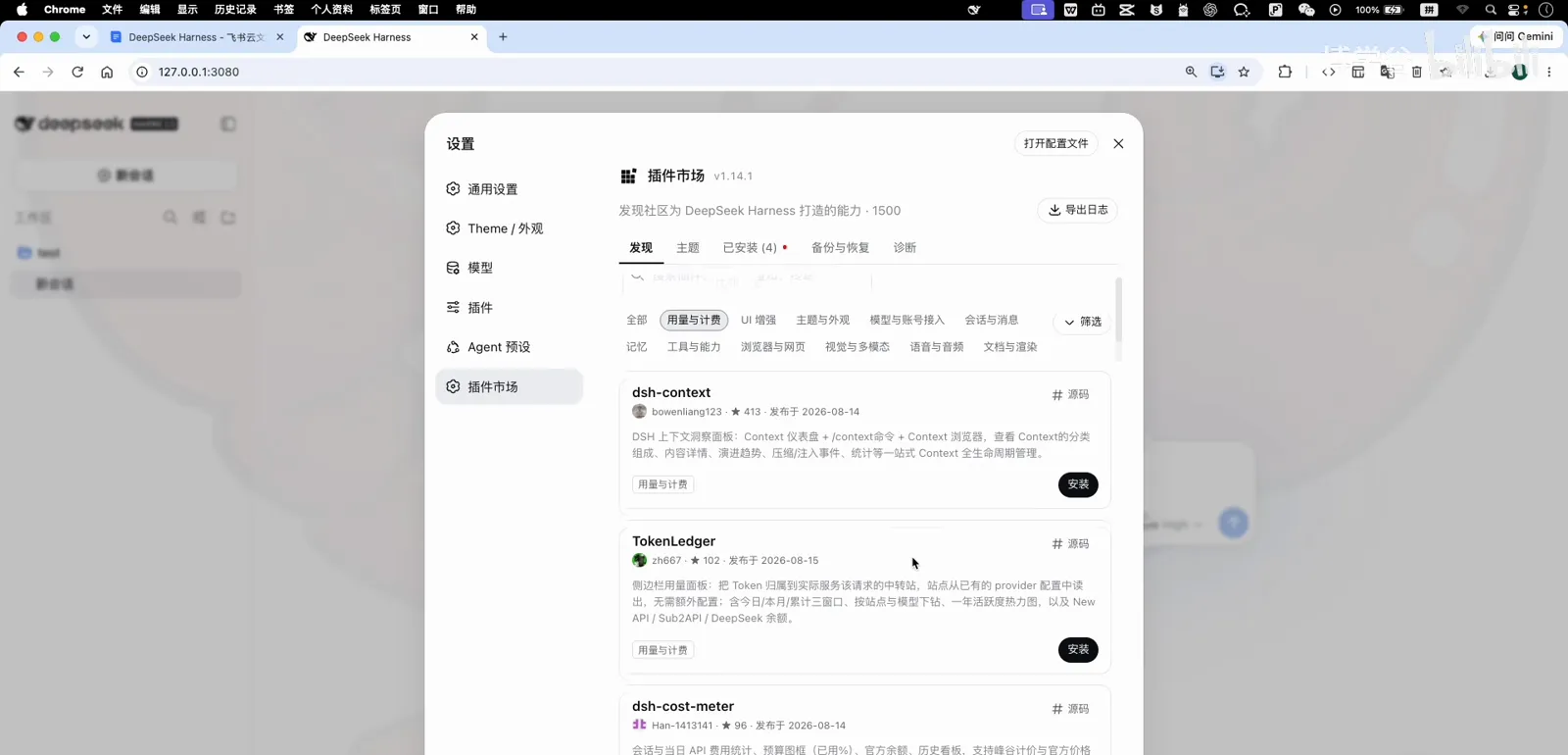
The 用量与计费 category holds the balance monitors.Watch at 2:20
FAQ
Quick answers before you install your first fun plugin.
Do game plugins slow DeepSeek Harness down or cost tokens?
No. The games are lightweight canvas panels that render only when opened and run entirely offline — they never call the model, so they don't touch your token spend or the session's response time.
Which games are included?
The dsh-minigames panel ships 18 offline titles: Klotski, Snake, Tetris, Minesweeper, 2048, Sudoku, Pac-Man, the dinosaur runner, tank battle and more, with a registry that other plugins can extend. Separate plugins add Wordle-style and match-3 games if you want even more.
Is there anything else in the fun category?
Plenty: desktop pets that react to tool calls, themed skins for the whole web UI, and a Slack-off arcade that turns session context into a game. The 娱乐 and UI categories are worth a browse.
How do I keep an eye on my DeepSeek platform balance?
Install a balance plugin from the 用量与计费 (usage & billing) category — the episode uses one that shows the platform balance and today's spend at the bottom of the sidebar after a refresh. For deeper usage analytics, see our usage-tracking guide.
Related guides
Wait smarter, spend wiser.
Track your token usage
Where the numbers come from, and the plugins that chart every call.
Read the guideTask notification plugins
Get pinged when the agent finishes — stop tab-watching for good.
Read the guideWhat are DSH plugins?
The mental model behind the marketplace, in five minutes.
Read the guideInstall plugins: the full guide
Every install method, profiles, and a troubleshooting appendix.
Read the guideSource & credits
Screenshots in this guide come from the course episode below and are used with attribution to explain the workflow; every step deep-links back to the exact timestamp.