
dsh-liangxiang
Curated pickMaintenance: Activeliang-today/dsh-liangxiang
Burned DSH tokens become incense; spend one stick to raise or lower today's case. The case updates daily, Liangwei decides today's Liangzi, and the result is archived at day end.
$ dsh plugin add dsh-liangxiangInstall
dsh has no central install command — add this plugin’s entry (documented in its README below) to your profile or patch config, then restart.
How installs work9
stars
0
forks
TypeScript
Language
MIT
License
2026-08-15
Created
2026-08-25
Last push
README
梁相
众香成势,梁子显相。梁相还得梁人出!
梁相是 DeepSeek Harness 的 WebUI 插件。每天一道梁案:使用 DSH 烧掉的 Token 凝成香火,一炷夯或拉;社区香火汇成梁位,显出今日梁子。日终之后,结果收入梁祠。
独立社区项目,非 DeepSeek 官方产品。
官网:liang.today · 部署指南:liang.today/guide
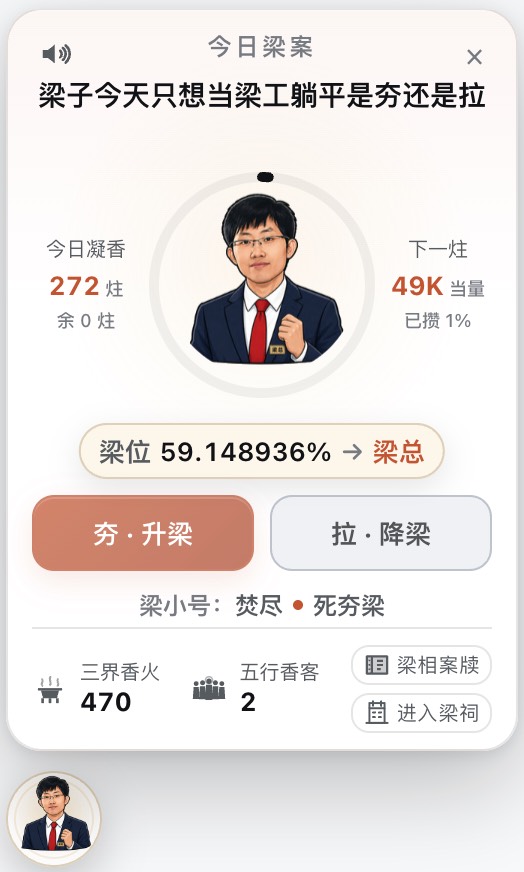
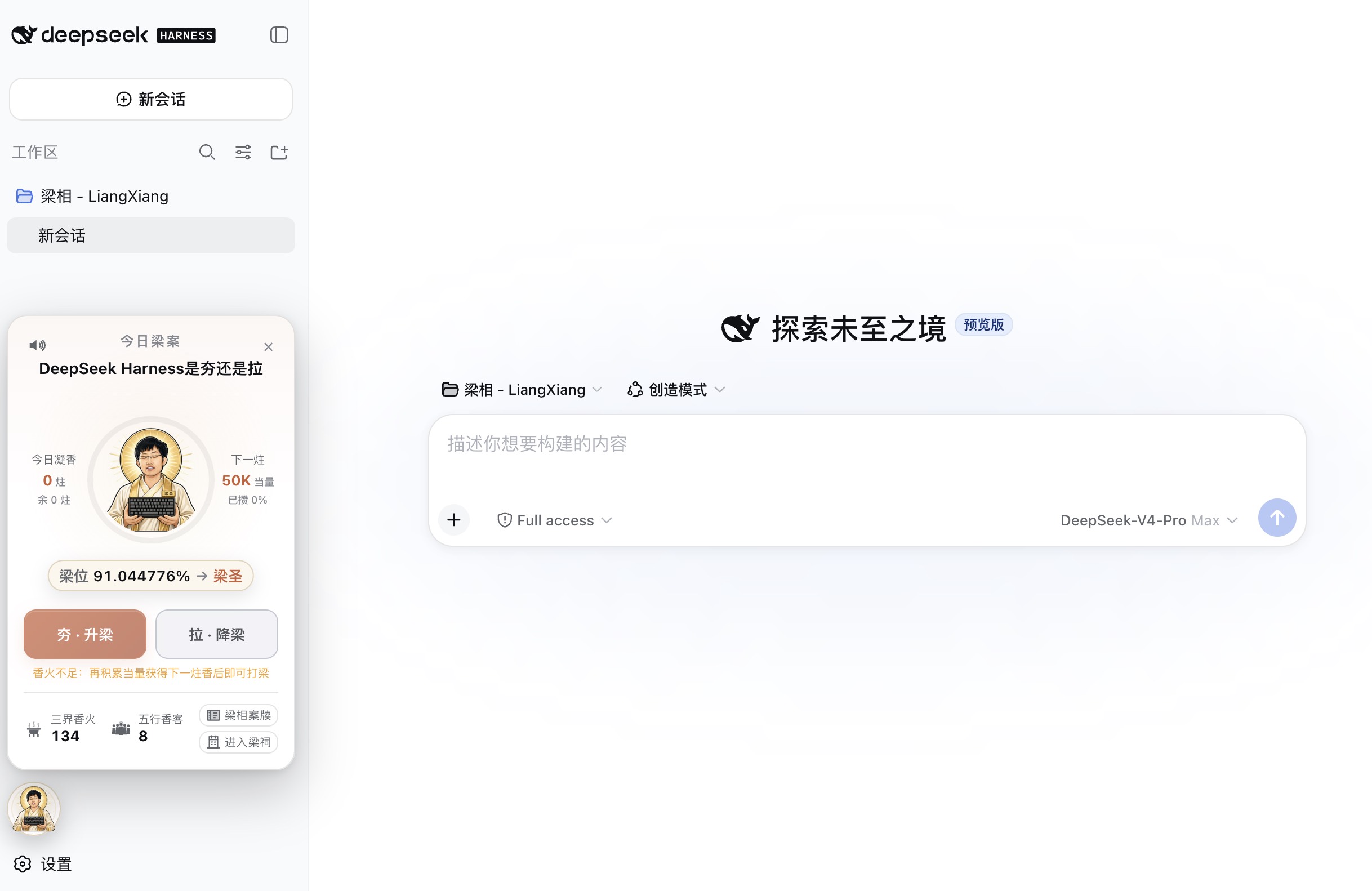
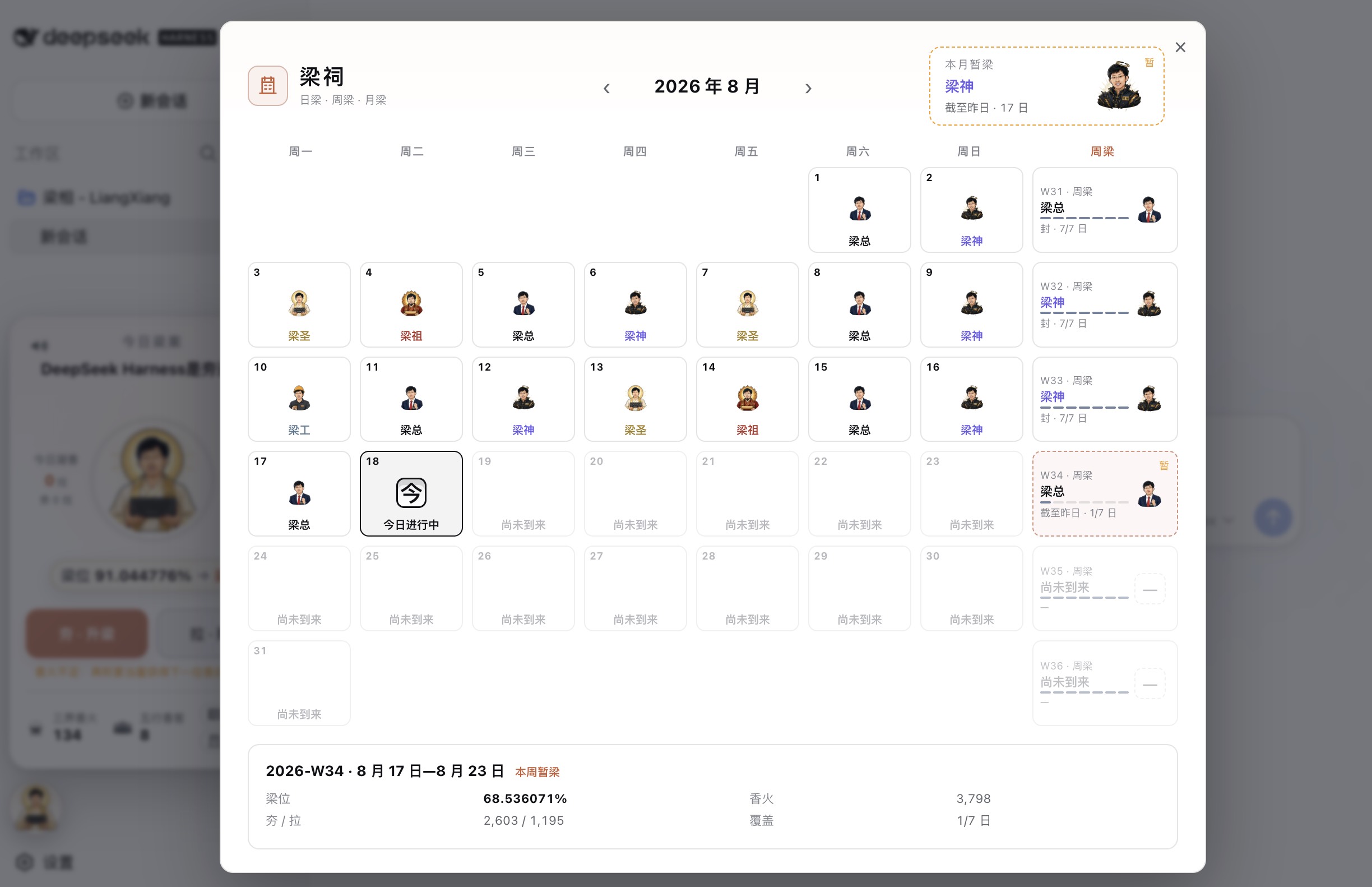
安装
先完全退出 WebUI。设置 → 插件市场 → 搜 liangxiang。没有插件市场时先装 dshmarket,步骤见 部署指南。也已列入 1024 Store 和 awesome-deepseek-harness。
也可以直接写入 profile:
export DSH_HOME="$HOME/.dsh"
npx --yes @deepseek-ai/dsh plugin --profile web add dsh-liangxiang
npx --yes @deepseek-ai/dsh web
已全局安装 dsh 时,把开头的 npx --yes @deepseek-ai/dsh 换成 dsh。web 若不是你的 profile 名,换成实际名字。页面边缘出现「今日梁相」即表示装好。升级重复同一条命令,不要写 @beta 或精确号;卸载用 plugin --profile web remove dsh-liangxiang。
不要运行 npm i dsh-liangxiang:那只会落入当前目录的 node_modules,不会进入 DSH。包是给 dsh plugin add 用的。
DSH Desktop 必须先把 DSH_HOME 指到桌面自己的 harness 目录,再执行同一条 plugin add。默认的 ~/.dsh 桌面客户端不读。详见 部署指南 · DSH Desktop。
玩法
- 按 DeepSeek Harness 的 Input + Output Token 折算,默认 50,000 Pro 当量凝成一炷
- 一炷一票,只能夯或拉
- 梁位是社区夯率;梁子按门槛显相:待开梁 / 梁工 / 梁总 / 梁神 / 梁圣 / 梁祖
- 日终结果收入梁祠
梁位是社区软信任玩法,不代表实名人数、真实民意或任何个人、机构立场。
当前正式版是 v1.0.0,请安装 dsh-liangxiang(npm latest)。开发、排障与实现说明在 docs/INSTALL.md。
More in Just for Fun
dsh-pet
by pc2005-cloud
DSH Web 界面桌面宠物:51 个透明 webm 动画随机链播、屏幕漫游、点击/拖拽;附提示词配方+AI 视频素材生成链可自造宠物
whale-girl
by vlln
DSH Web 桌面宠物(可拖拽/投喂/玩耍,积累型资历成长)
dsh-dafeiyu
by qcytsn
Desktop-native BigFish companion for DeepSeek Harness — real Agent status, always on top on Windows.
dsh-kun-like-pet
by liyupi
桌面宠物「小坤宠」:Web 界面右下角随 Agent 工作状态切换 9 种动画,任务完成播放「你干嘛~哎哟」音效;host 状态机 + client shell.overlay 渲染 + 拖动/点击互动。