
mole
In a curated listMaintenance: Activetw93/mole
🐹 Open-source Mac and PC cleaner. Keep your machine clean, light, and running like new. Fast CLI, plus native Mac and Windows apps.
$ dsh plugin add moleInstall
dsh has no central install command — add this plugin’s entry (documented in its README) to your profile or patch config, then restart.
How installs work74,903
stars
2,695
forks
Shell
Language
GPL-3.0
License
2025-09-23
Created
2026-11-13
Last push
README
Mole
Deep clean, uninstall, optimize, analyze disk and monitor your Mac. Free open-source CLI, plus a Mac app.
English · 中文 · 繁體 · 日本語 · 한국어 · Deutsch · Français · Polski · Українська · Русский






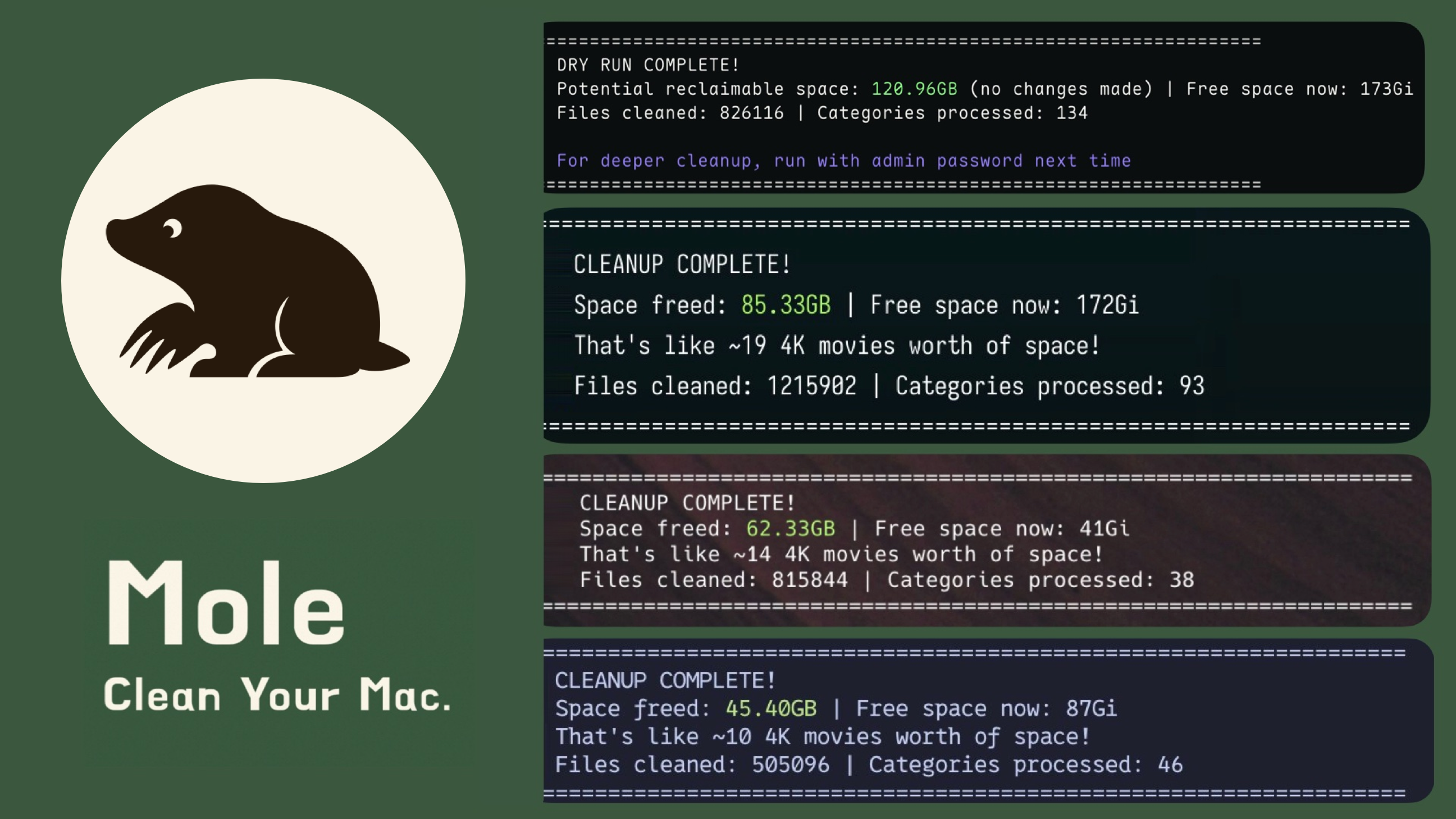
💡 This repo is the free open-source CLI (
mo). Prefer a native app? Mole for Mac is a separate download with review-before-delete cleanup, tested leftovers for 800+ apps, maintenance, disk drill-downs, live status, and fan controls on supported Macs. On Windows, the native app is Mole for Windows.brew install moleinstalls the CLI only.
Features
- All-in-one CLI toolkit: Combines CleanMyMac, AppCleaner, DaisyDisk, and iStat Menus style workflows in one terminal command
- Deep clean: Removes caches, logs, leftovers, and orphaned app data to reclaim disk space
- Smart uninstaller: Removes apps together with LaunchAgents, preferences, and leftovers
- Disk analyzer: Visualizes disk usage with an interactive TUI, finds large files, and navigates directories
- System maintenance: Flushes DNS, refreshes QuickLook/icons, and optimizes system databases
- Live monitoring: Shows real-time CPU, memory, disk I/O, network traffic, and process stats
Quick Start
Mole requires macOS 12 or newer and supports both Intel and Apple Silicon Macs. If Homebrew no longer supports your macOS version, use the script install instead.
Install via Homebrew
brew install mole
Or via script
curl -fsSL https://raw.githubusercontent.com/tw93/mole/main/install.sh | bash
With an AI agent
Tell your agent:
Install Mole for me by reading https://raw.githubusercontent.com/tw93/Mole/main/llms.txt
Or install the skill yourself. With it, Claude Code, Codex, Cursor and other agents show every cleanup with --dry-run before anything is removed, and leave app uninstalls and administrator steps to you. Update with npx skills update -g -y.
npx skills add tw93/Mole -a claude-code codex cursor -g -y
As a host plugin: /plugin marketplace add tw93/Mole then /plugin install mole@mole in Claude Code, codex plugin marketplace add tw93/Mole then codex plugin add mole@mole in Codex, or dsh plugin --profile <name> add dsh-mole in DeepSeek Harness.
Run
mo                           # Interactive menu
mo clean                     # Deep cleanup + already-uninstalled app leftovers
mo uninstall                 # Remove installed apps + their leftovers
mo optimize                  # Refresh caches & services
mo analyze                   # Visual disk explorer (or 'mo analyse')
mo status                    # Live system health dashboard
mo purge                     # Clean project build artifacts
mo installer                 # Find and remove installer files
mo slim                      # Remove Intel code from universal apps

mo touchid                   # Configure Touch ID for sudo
mo completion                # Set up shell tab completion
mo update                    # Update Mole
mo update --nightly          # Update to latest unreleased main build, script install only
mo remove                    # Remove Mole from system
mo --help                    # Show help
mo --version                 # Show installed version
Preview safely
mo clean --dry-run
mo uninstall --dry-run
mo optimize --dry-run
mo purge --dry-run
mo installer --dry-run
mo slim --dry-run
mo history
mo history --json

mo clean --dry-run --debug   # Preview + detailed logs
mo optimize --whitelist      # Manage protected optimization rules
mo clean --whitelist         # Manage protected caches
mo purge --paths             # Configure project scan directories
mo analyze /Volumes          # Analyze external drives only
mo analyze /private/tmp      # Review user-owned temporary directories
Other install options
To install a specific release, pass any tag from the releases page, with or without its leading V. To track the development branch instead, pass main:
curl -fsSL https://raw.githubusercontent.com/tw93/mole/main/install.sh | bash -s -- 1.51.0
curl -fsSL https://raw.githubusercontent.com/tw93/mole/main/install.sh | bash -s -- main
main installs unreleased code from the default branch, so expect rough edges. latest still works as a legacy alias for main; despite the name it does not install the newest stable release.
More in Desktop & Apps
open-design
by nexu-io
The 1st Collaborative AI Design Agent Workspace. Local-first and open source. Create motion, prototypes, websites, apps, dashboards, presentations, images, and videos with your team and AI agents. Share work, exchange feedback, and iterate together in one workspace.
dsh-desktop
by anywhere-labs
Modern desktop client for the DeepSeek Harness (dsh) plugin ecosystem. Everything is a plugin — even the desktop shell itself.
picgo
by molunerfinn
:rocket: The Ultimate Image Uploader for Efficient Creators. Supports Obsidian, Typora, VS Code etc. and 60+ image hosting services (S3, GitHub, Cloudflare R2, Imgur, Aliyun OSS...). Paste, upload, done.
dsh-go
by ccch1mneyyy
Run DeepSeek Harness on your phone and remotely control your desktop from a native Android app.